How to Get Instant Call Summaries and Lead Scores for Every After-Hours Call
You already made the call: no more letting the phone ring to voicemail at 9 p.m. while your crew is off the clock. Now the question is what you do with the calls your AI receptionist answers overnight. The answer is to get instant call summaries and lead scores pushed to you the moment each call ends, so you wake up knowing exactly which jobs to chase first. This guide walks you through setting that up, step by step, for a small Central Texas crew that cannot afford to lose a $4,000 remodel lead to a competitor who called back faster.
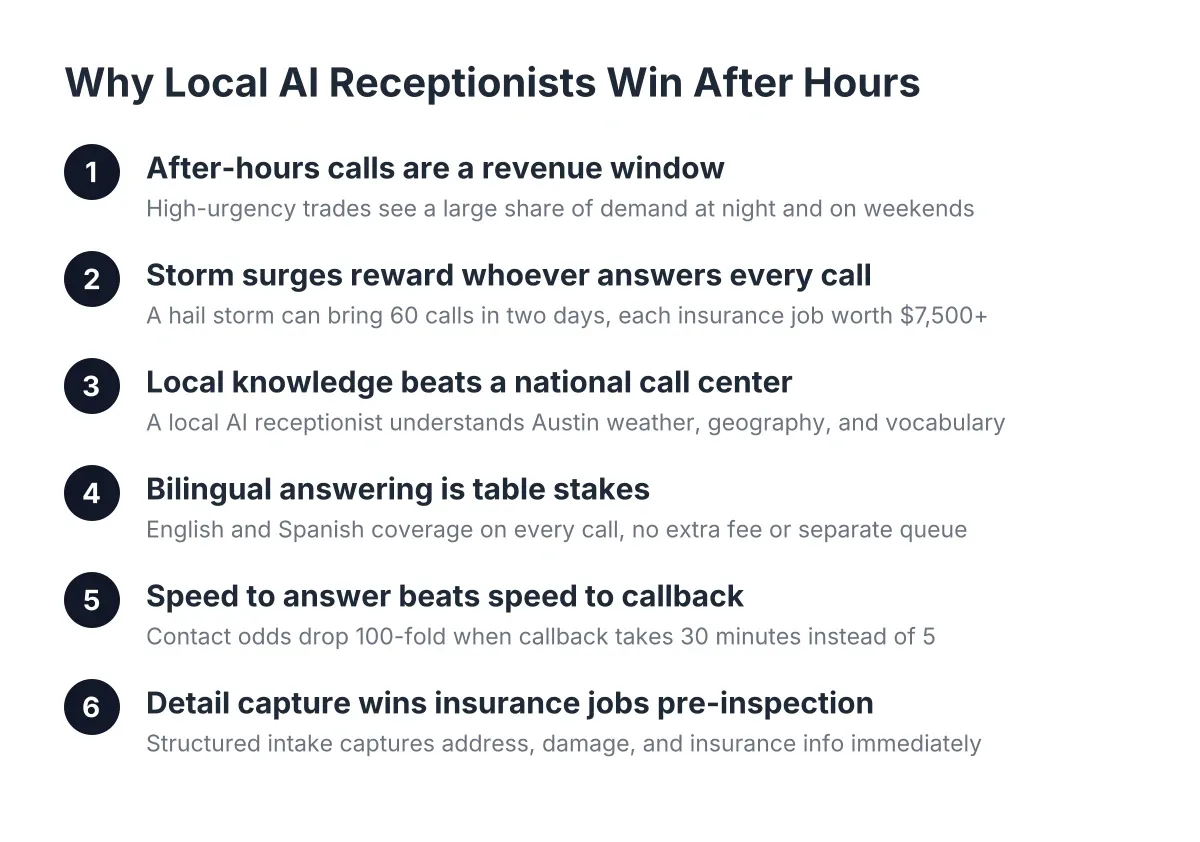
The data behind the urgency is blunt. According to MIT Sloan School of Management / InsideSales.com, the odds of contacting a lead drop 100-fold, and the odds of qualifying that lead drop 21-fold, when you call back at 30 minutes instead of within 5 minutes. You cannot call back in 5 minutes from a ladder at 2 p.m., and you will not call back at all if the lead came in at 11 p.m. and lives only in a garbled voicemail. Instant summaries plus scoring close that gap: the AI answers, qualifies, and books; the summary tells you who is worth the first callback.
Here is the full setup, from feeding the AI your business details to reading your Monday morning report.
Step 1: Feed the AI Your Job Types Before You Care About Summaries
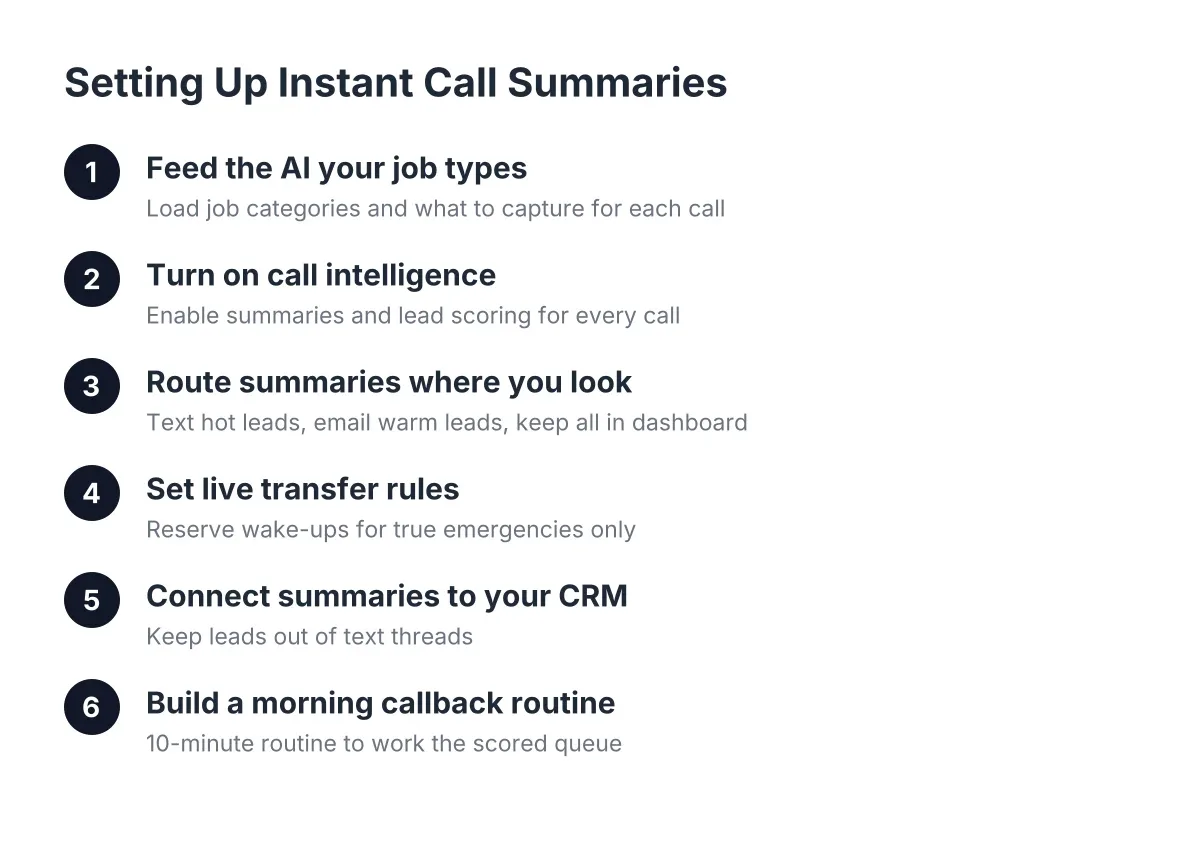
A summary is only as good as the questions asked during the call. Before you touch notification settings, load your AI receptionist with the job types you actually run: kitchen remodels, drywall repair, deck builds, fence replacement, punch lists, whatever your mix looks like. Multi-trade work is exactly where generic national answering services fall down, because a script written for one trade cannot tell a $200 handyman visit from a $40,000 renovation.
For each job type, define what the AI should capture:
- Property location (Austin, Round Rock, Cedar Park, Georgetown, Pflugerville, or Leander, so you can judge drive time)
- Job scope in the caller's own words
- Timeline (this week, this month, or just pricing around)
- Whether they own the property or rent
- Budget signals if the caller volunteers them
- Whether it is urgent (active leak, storm damage, safety issue)
Do not overcomplicate this. If your service matrix needs a flowchart to explain, trim it. Solo and small-crew setups work best with 5 to 10 clear job categories. You can add more later once you see what actually comes in after hours.
Step 2: Turn On Call Intelligence So Every Call Gets Scored
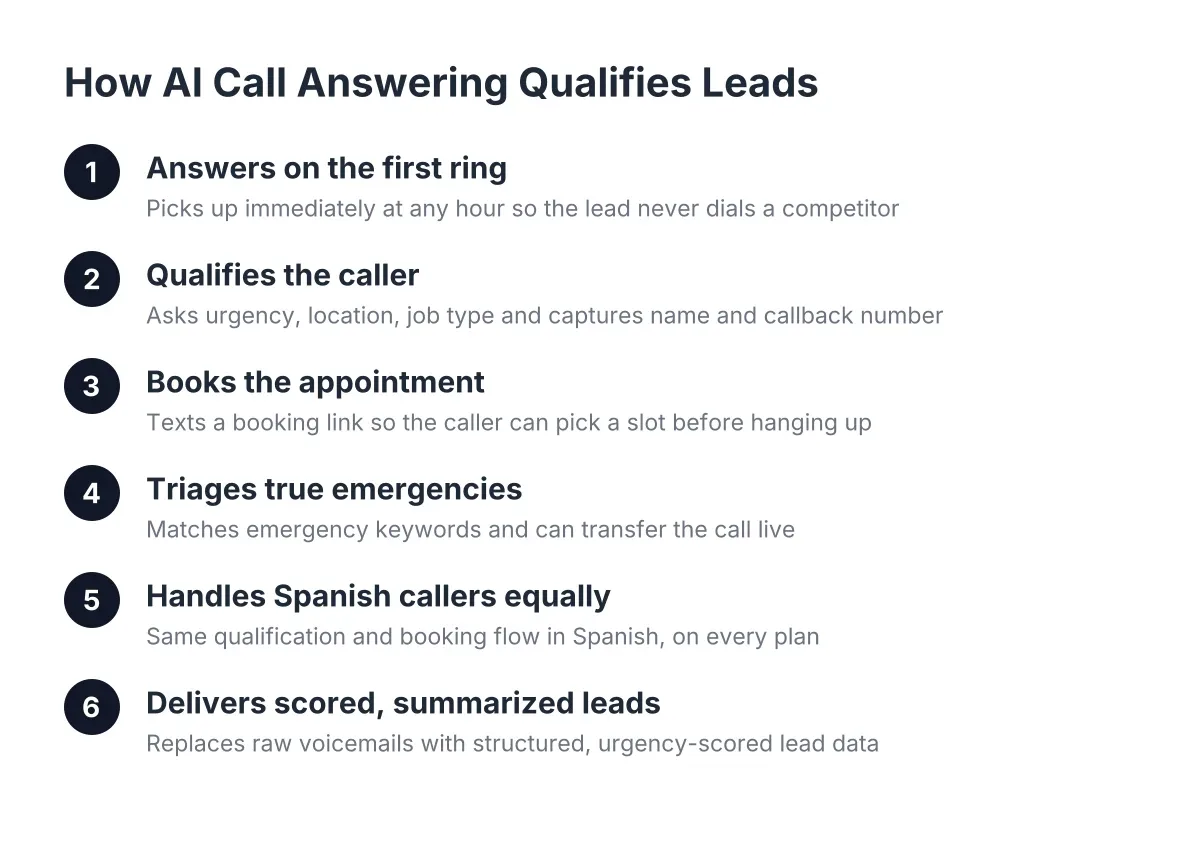
Call intelligence is the layer that reads each conversation and does two things: writes a plain-language summary and assigns a lead score. Enable it on day one. Without it, you are just trading voicemail for a longer transcript, and nobody reads transcripts at 6 a.m. before loading the truck.
A good lead score weighs the answers from Step 1. A caller in Pflugerville who owns their home, wants a bathroom remodel started within 30 days, and asked about financing scores high. Additionally, a renter asking hypothetical pricing for a landlord scores low. The score does not decide for you; it sorts the callback queue so your first two calls of the morning are the two most likely to become booked jobs.
For example, suppose your AI receptionist answers six calls between Friday 6 p.m. and Monday 7 a.m. In that scenario, a typical scored queue might look like: two hot leads (remodel quote requests with timelines), two warm (repair inquiries, flexible timing), one existing customer with a scheduling question, and one solicitor. Without scoring, that is six callbacks in random order. With scoring, it is two priority calls before 8 a.m. and the rest handled at lunch.
Step 3: Get Instant Call Summaries Delivered Where You Actually Look
Decide where summaries land, because a summary you do not see is a missed call with extra steps. Most owners running small crews get instant call summaries by text or email the moment a call ends, then keep the full record in the dashboard for reference. Pick the channel you check between jobs, not the one that sounds most organized.
Set up your delivery like this:
- Route hot-lead summaries to text message, since you will see a text on site within minutes.
- Route warm and low-score summaries to email, so they do not buzz your pocket during a pour or a demo.
- Keep every summary in the dashboard, where one-click call bridging lets you dial the lead directly from the record.
- If you run a two-person office-and-field split, send copies to both, and agree on who owns the callback.
One trade-off to be honest about: instant delivery means more pings. If you are booked solid during summer rush, the text-for-hot-leads-only rule keeps the signal without the noise. You can always loosen the filter in slow season.
Step 4: Set Your Live Transfer Rule for True Emergencies
Not every after-hours call can wait for a morning summary. A general contractor who also handles repairs will get the occasional burst pipe, storm-damaged roof, or door that will not lock. Decide now which situations justify waking you up, and turn on live transfer for exactly those.
Keep the emergency list short and specific: active water intrusion, structural damage, and security failures are a reasonable starting set for multi-trade work. Everything else gets qualified, booked, and summarized. The AI handles the triage questions in English or Spanish, so a Spanish-speaking homeowner in Georgetown with a ceiling leak at midnight gets the same handling as anyone else. For genuinely dangerous situations like gas smells or electrical fires, the right move is always directing the caller to 911 or the utility first; no answering setup, human or AI, should be positioned as the emergency responder.
Step 5: Connect Summaries to Your CRM So Leads Do Not Live in Texts
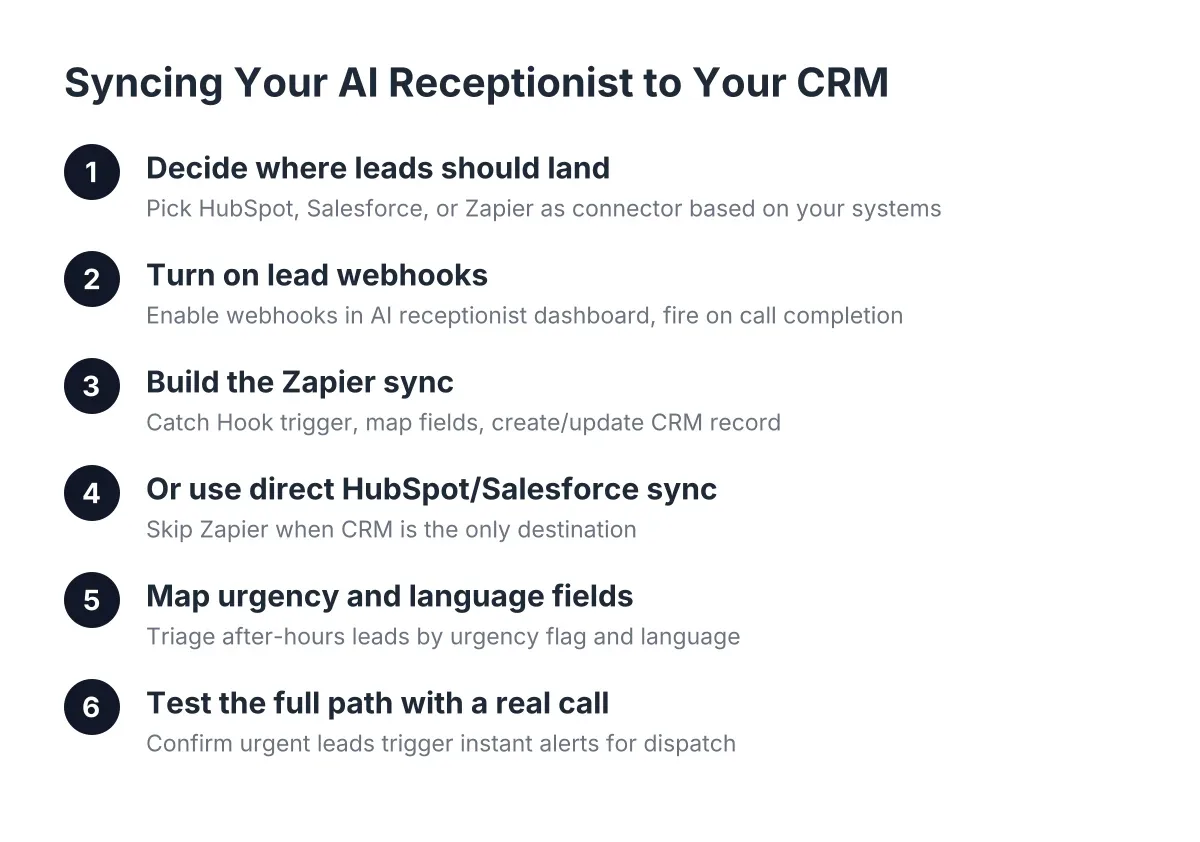
Text alerts are for speed. Your CRM is for follow-through. Connect your lead webhooks to whatever you already use, whether that is HubSpot, Zoho, Salesforce, or a Zapier flow into a spreadsheet. Every call summary, score, and contact record should land there automatically, with zero retyping.
This step matters more than it feels like it does at setup. A hot lead you called back Monday who said "call me in three weeks when the tenant moves out" is a booked job in April only if the summary and follow-up date are sitting in a system. If it lives in a text thread from February, it is gone. Recurring customers come from disciplined follow-up, and disciplined follow-up comes from summaries that file themselves.
Worth noting: according to the National Federation of Independent Business (NFIB), only 24% of small employers currently use AI tools for business activity. If you finish this step, your lead handling is ahead of three out of four competing shops before you pour your first coffee.
Step 6: Build a 10-Minute Morning Callback Routine Around Your Summaries
Now put the pieces into a daily habit. The summaries and scores exist to make your first 10 minutes of the day the highest-value 10 minutes of the week. Here is an illustrative Tuesday morning for a typical three-person crew:
Open the dashboard at 6:50 a.m. Overnight, the AI receptionist answered three calls. First summary: high score, homeowner in Cedar Park, water heater closet drywall damage, wants repair plus a quote on a full bathroom refresh, prefers Spanish. Second: medium score, fence quote in Leander, flexible timing. Third: low score, price-shopping call, no timeline. You bridge the call to the Cedar Park lead from the dashboard at 7:05, before your competitor's office even opens at 8. That callback speed is the whole game; the MIT Sloan / InsideSales.com contact-odds data says the fast caller wins the lead, and the summary is what made you fast.
The routine, condensed:
- Read overnight summaries, highest score first.
- Call the top one or two leads before 8 a.m.
- Book or set a follow-up date in the CRM for everyone else.
- Flag anything the AI handled oddly for a knowledge-base tweak (see Step 7).
Step 7: Use Instant Call Summaries to Improve the AI Every Week
Your summaries are also your quality-control tool. Once a week, skim the full week of call records and look for patterns. If callers keep asking about a service you offer but the AI hedges on, add it to the knowledge base. If low-score calls keep sneaking into your text alerts, tighten the scoring criteria. This is a 15-minute Friday task, not a project.
The Weekly Monday Morning Report makes this easier by rolling up call volume, lead scores, and booking rates, so you can see whether after-hours call answering is actually filling your pipeline or just fielding solicitors. Watch two numbers: how many after-hours calls scored hot, and how many of those you converted to booked jobs. If hot leads are slipping, the problem is usually callback speed on your end, not capture on the AI's end.
One honest limitation: an AI receptionist summarizes what the caller said, not what they meant. A caller who downplays a "small crack in the ceiling" that turns out to be a failing joist will score as routine. Your experience reading between the lines on the callback is still the judgment layer; the summary gets you to the conversation faster, it does not replace the conversation. That squares with what consumers say they want; a Five9/TEAM LEWIS survey found 75% prefer talking to a real human for customer support, which is exactly why the summary hands the relationship back to you instead of trying to close the job itself.
What This Looks Like After 30 Days
Run this setup for a month and the after-hours window stops feeling like a leak in the business. Every night, weekend, and holiday call gets answered in English or Spanish, qualified against your job types, scored, and summarized before the caller has put their phone down. You start each morning with a ranked callback list instead of a voicemail lottery.
The setup work is front-loaded and light: job types on day one, delivery rules and live transfer in the first week, CRM sync and the weekly review habit by week two. From there, the system compounds. Faster callbacks win more of the leads you were already paying to generate, and filed summaries turn one-time repairs into recurring customers. For a Central Texas crew doing $150K to $600K a year, the difference between answered and unanswered after-hours calls is measured in jobs, not minutes.
If you're losing revenue to missed calls, NeverMiss ATX can help.
Prefer to talk it through? Call (512) 980-9267 — a quick call is usually the fastest way to get a straight answer for your situation.