How to Set Up a Bilingual AI Receptionist With CRM Sync in 15 Minutes
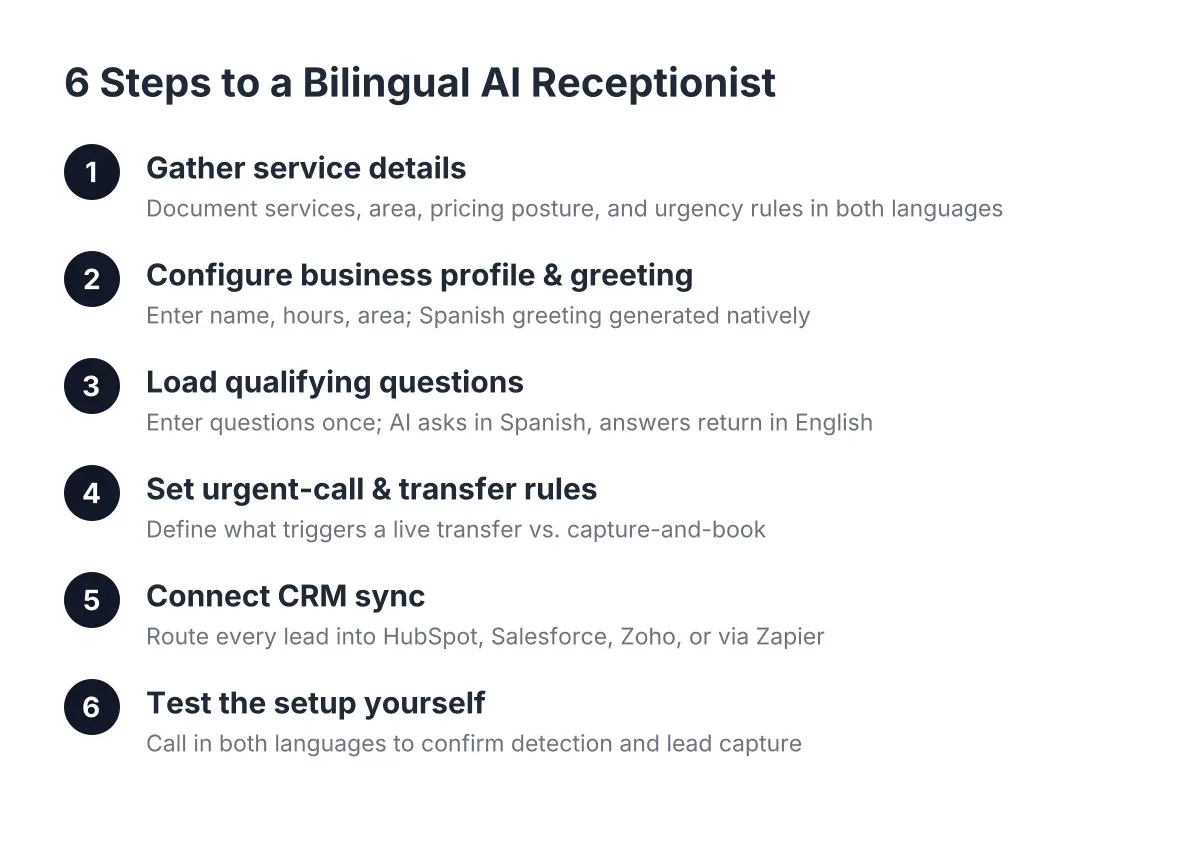
You already made the call. You know that in Austin, where 29.6% of residents age 5 and older are bilingual according to City of Austin Census data, answering in English only means handing Spanish-speaking callers to whichever competitor picks up in their language. Now you need to set up bilingual AI receptionist capabilities the right way, connect it to your CRM, and get back on the job. This guide walks through a complete bilingual AI receptionist setup in six steps, about 15 minutes total, written for an owner-operator running a lawn care, pest control, remodeling, or multi-trade business in Central Texas.
One note before you start: the setup is not the hard part. The hard part is deciding what you want the AI receptionist to say, ask, and do in both languages. Do that thinking here, once, and every call after gets handled the same way whether you are on a ladder in Pflugerville or at your kid's game on a Saturday.
Step 1: Gather Your Service Details Before You Set Up Bilingual AI Answering
Spend the first three minutes collecting information, not clicking buttons. The AI receptionist can only qualify leads as well as the details you feed it. For a multi-trade or recurring-service business, that means writing down more than "we do lawn care." A bilingual AI receptionist setup requires you to document your capabilities and constraints in both languages, so the system handles callers correctly from the start.
Pull together:
- Your service list, in plain language. Weekly mowing, quarterly pest treatment, bathroom remodels, drywall repair, fence replacement. List what you actually do and, just as important, what you turn down.
- Your service area by city. Austin, Round Rock, Cedar Park, Georgetown, Pflugerville, Leander. Callers outside the area should hear a polite decline, not a booked appointment you have to cancel.
- Your pricing posture. Do you quote on the phone, quote on site, or send a booking link for an estimate visit? The AI needs to know which answer to give, in both languages.
- What counts as urgent for you. A burst pipe mid-remodel is urgent. A quote request for a spring cleanup is not. This distinction drives Step 4.
- Your booking link or calendar tool, plus your CRM login if you use HubSpot, Salesforce, Zoho, or anything Zapier can reach.
You do not need to translate any of this. That is the point of the setup: the platform carries both languages on every plan, so the knowledge you enter once works for English and Spanish callers alike.
Step 2: Configure Your Business Profile and Greeting
Next, enter your business name, hours, and service area into the dashboard. Then set the greeting, which is the one place owners tend to overthink.
Keep it short and specific: "Thanks for calling Hill Country Lawn and Pest, this is the 24/7 line, how can I help?" The Spanish version is generated automatically and delivered natively, not as a robotic translation. A caller who opens with "Hola, necesito un presupuesto" hears a natural Spanish response from the first exchange.
Language Detection and Automated Response in Bilingual AI Receptionist Setup
Language detection happens in the first few seconds of the call. The AI receptionist listens to the caller's opening words and responds in the language the caller used. There is no "press 2 for Spanish" menu, no transfer, and no hold music while someone hunts for the one bilingual employee.
If a caller switches languages mid-call, which happens often in bilingual households, the AI follows. A grandmother might start in Spanish and hand the phone to a grandson who finishes in English. The lead capture stays intact either way: name, number, address, job type, and preferred time, all logged in one record.
Step 3: Load Your Qualifying Questions in Both Languages
Now decide what the AI asks before it books anything. This is where recurring-service owners get the most value, because the first call is where a recurring customer is won or lost, and a recurring client is worth several times a one-time job.
For a lawn or pest business, a workable qualifying flow looks like this:
- What service do you need? (mowing, treatment, one-time cleanup, inspection)
- Is this for a home or a commercial property?
- What is the property address or nearest cross street?
- Are you interested in recurring service or a one-time visit?
- What days and times work for a first visit?
For a multi-trade or general construction operation, swap in job-scope questions: what needs repair or remodeling, rough size of the job, timeline, and whether they want an on-site estimate. When you enter qualifying questions in both languages, the AI asks them naturally in Spanish when the call requires it, and the answers come back to you in English on the call summary, so you never need a translator to read your own leads.
Speed matters more here than most owners realize. A foundational MIT Sloan and InsideSales.com study found the odds of contacting a lead drop 100-fold when the callback happens at 30 minutes instead of within 5. Qualifying on the first ring, in the caller's language, removes the callback problem entirely.
Step 4: Set Your Urgent-Call and Live Transfer Rules
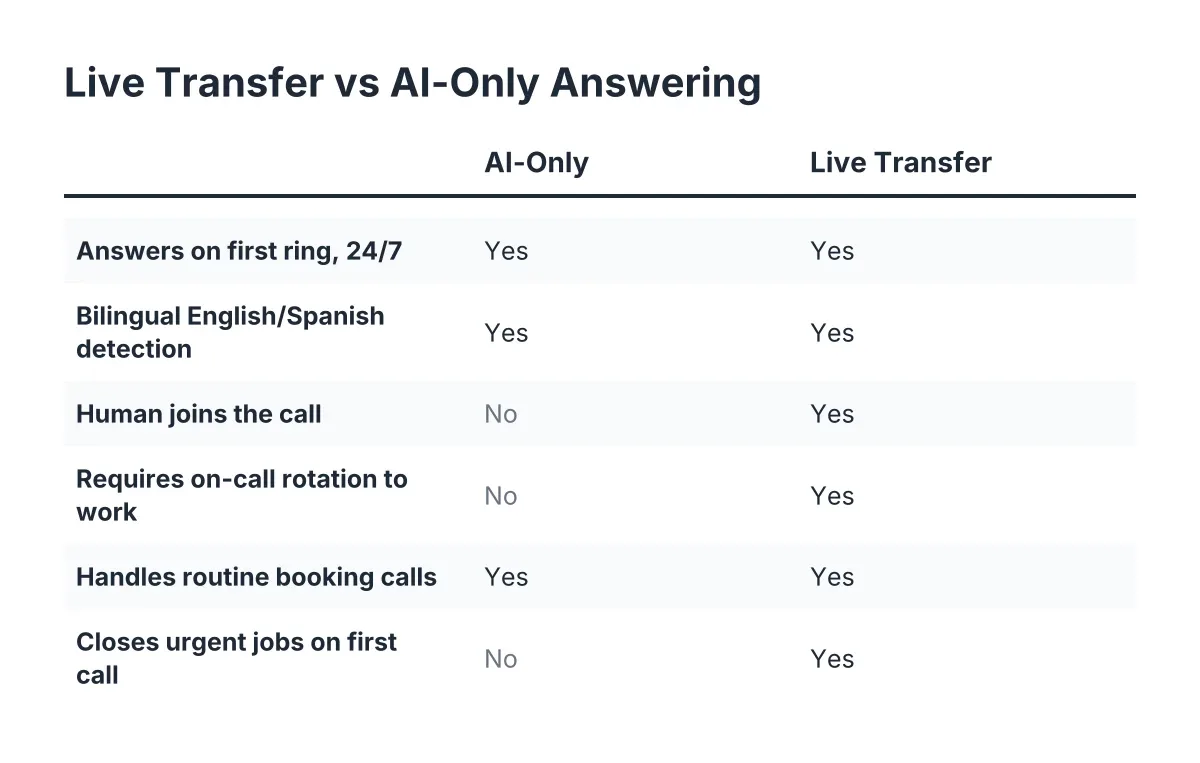
Here you tell the AI what deserves an interruption. Live transfer for urgent calls is opt-in, and you define "urgent" for your trade.
Suppose you run a small remodeling crew and a client calls at 9 p.m. because a supply line failed in a bathroom you demoed that morning. That call should bridge to your cell immediately, in whichever language the caller spoke. A Tuesday-afternoon request for a fence quote should not. Set the rules accordingly:
- Transfer immediately: active water leaks, electrical hazards, anything on a job site you currently have open.
- Capture and book, no transfer: quotes, recurring-service signups, reschedules, general questions.
- Capture and flag for morning: after-hours non-emergencies, which the weekly Monday morning report also rolls up.
Be honest about the limits here. An AI receptionist qualifies and routes urgent calls; it does not diagnose them. If your trade involves genuine life-safety emergencies, gas leaks for example, script the AI to instruct callers to contact 911 or the utility first, then capture the lead for follow-up.
Step 5: Connect CRM Sync So Every Lead Lands Where You Work
With call handling configured, wire the leads to your system. This step takes about four minutes if you already use HubSpot, Salesforce, Zoho, or anything reachable through Zapier, and it is the difference between lead capture and lead pile-up.
The connection works through lead webhooks. Every completed call pushes a structured record: caller name, phone number, language of the call, service requested, qualification answers, an AI-generated summary, and a lead score. Map those fields to your CRM once and forget it.
For example, say a Spanish-speaking homeowner in Georgetown calls at 7:40 p.m. about starting weekly mowing plus a quarterly pest plan. In that scenario, by 7:44 the call is answered, qualified in Spanish, booked through your booking link, and sitting in your CRM as a new contact tagged "recurring prospect," with an English summary. You read it at 7 a.m. with your coffee, tap one-click call bridging from the dashboard if you want to confirm personally, and the crew schedule updates before anyone rolls a truck.
If you do not use a CRM yet, skip this step without guilt. The dashboard holds every lead, and you can add the sync later in five minutes when the volume justifies it.
Step 6: Test the Setup Yourself, in Both Languages
Finally, call your own number. Then call it again in Spanish, or hand the phone to a Spanish-speaking friend, family member, or crew member and ask them to try to stump it. Do not skip this step; it is where you catch the gaps in your own inputs, not the AI's.
Run through this checklist on your test calls:
- Ask for a service you offer and confirm the qualifying questions come in the right order.
- Ask for a service you do not offer and confirm the polite decline.
- Give an address in Leander or Fort Worth and check the service-area handling.
- Describe a fake emergency and confirm the live transfer fires, or does not, per your rules.
- Check your CRM within two minutes to confirm the lead record and summary arrived.
Whatever the AI gets wrong traces back to something missing in Step 1 or Step 3. Add the detail, retest, done. Most owners who set up bilingual AI receptionist answering find the second test call is clean.
Why This 15-Minute Setup Is a Revenue Decision, Not an Admin Task
Every Spanish-speaking caller who hits a language barrier calls the next name on the list. In a metro where 10.3% of residents speak English less than very well, per City of Austin Census figures, that next name wins the recurring contract, the referrals, and the lifetime value. For a pest control owner, losing one after-hours Spanish-language call in April can mean losing a quarterly plan worth an illustrative $600 to $900 a year, plus every neighbor that customer would have referred.
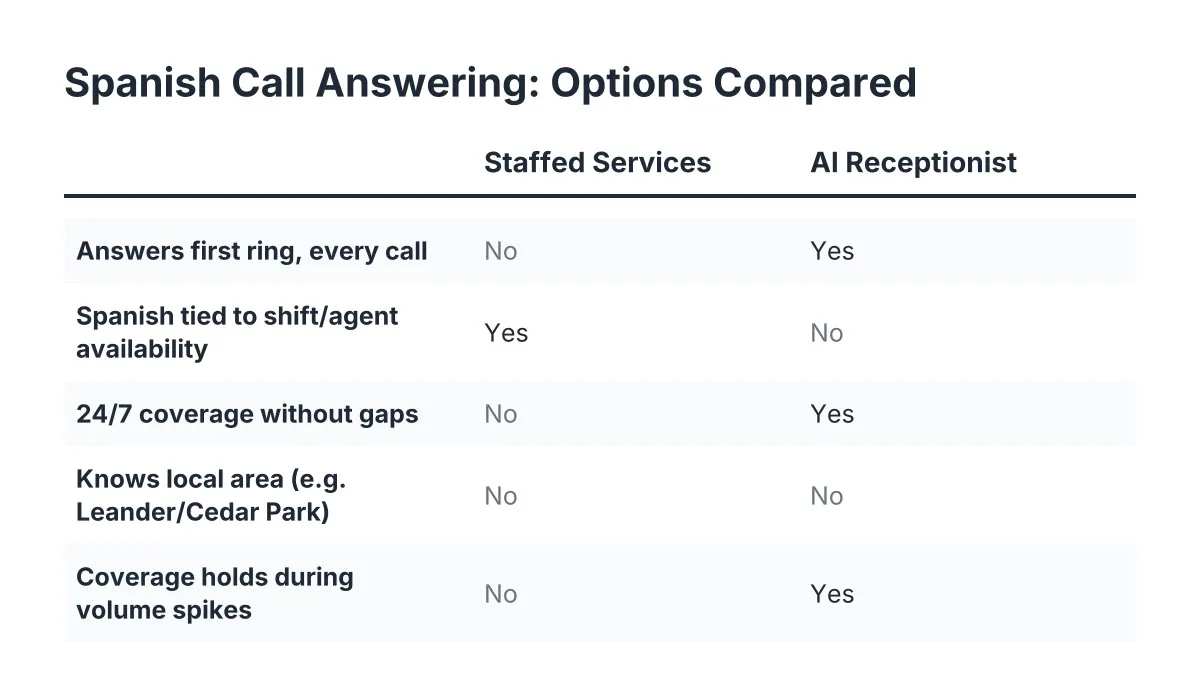
Hiring solves this only if you can find, afford, and retain a bilingual hire who also answers at 9 p.m. on a Sunday. A bilingual answering service built on AI removes the staffing dependency: every call, both languages, 24/7, without adding payroll. Human preference is real, and a Five9 survey found 75% of consumers prefer talking to a human for support. The comparison that matters for a small trade business, however, is not AI versus a human receptionist you do not have. It is AI versus voicemail, and voicemail does not speak Spanish, qualify leads, or book jobs.
Fifteen minutes of setup, tested in both languages, synced to your CRM. Then the phone answers itself while you stay on site, and the Monday morning report tells you what came in while you worked.
If you're losing revenue to missed calls, NeverMiss ATX can help.
Prefer to talk it through? Call (512) 980-9267 — a quick call is usually the fastest way to get a straight answer for your situation.