What to Prepare Before Switching to an AI Receptionist for After-Hours Calls
You already know the problem. The phone rings at 9:40 p.m. after a hailstorm rolls through Georgetown, your crew is home, and the homeowner with a leaking roof calls the next company on the list. The question is no longer whether to answer after-hours calls; it is what to prepare before switching to an AI receptionist so the transition actually captures those jobs instead of creating new headaches. An AI receptionist switch checklist is the exact preparation guide Central Texas home service owners should work through, from call data and scripts to CRM connections and emergency triage rules.
The stakes are specific. For a recurring service business, a missed first call is not one lost job; it is the lifetime value of a recurring customer, often five times what a one-time job pays. For storm-driven trades like roofing and restoration, the math is even sharper: a $7,500 average ticket and a 48 to 72 hour post-event window where call volume spikes past anything your office can handle. Preparation is what separates owners who flip the switch and book jobs the first night from owners who spend three weeks fixing routing rules.
Why After-Hours Calls Are a Predictable Revenue Window, Not an Edge Case
After-hours calls are a predictable, recurring revenue window for home service businesses because customer emergencies and buying decisions do not follow office hours. Pest problems show up at dusk, storm damage happens on the storm's schedule, and homeowners research lawn and pest services in the evening after work. Treating these calls as rare exceptions is how competitors quietly take your market share.
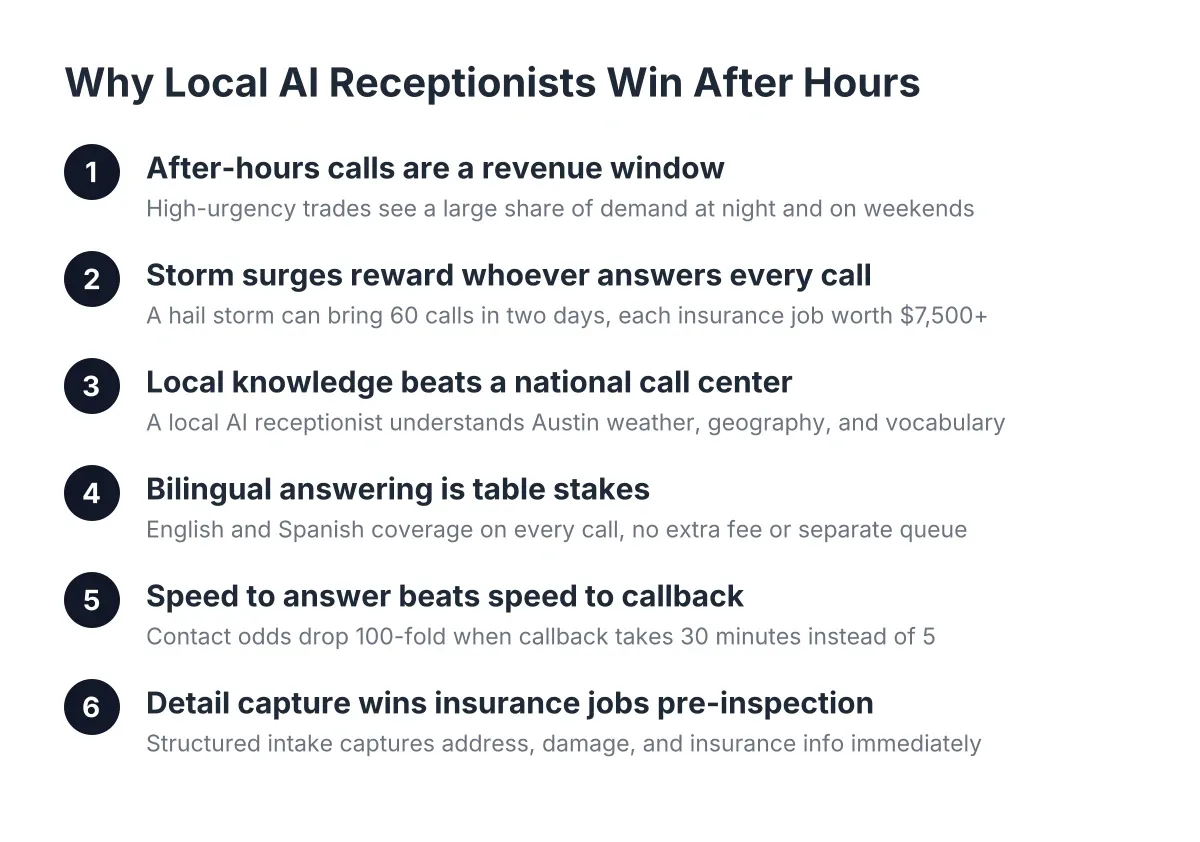
Look at the patterns in your own trade. Pest control owners consistently see a large share of new-customer calls land after 5 p.m., because that is when homeowners are at home noticing the ant trail in the kitchen. Roofing and restoration calls cluster in the two to three days after a weather event, and in Central Texas a spring hail cell can push a week of normal call volume into a single evening. Lawn care spikes every March and April, when spring booking season means the first company to answer wins the weekly contract.
Speed matters more than most owners assume. According to MIT Sloan School of Management and InsideSales.com, the odds of contacting a lead drop 100-fold, and the odds of qualifying that lead drop 21-fold, when the callback happens at 30 minutes instead of within 5 minutes. A voicemail that gets returned tomorrow morning is not a lead capture strategy. It is a referral program for your competitors.
Therefore, the real question is not whether to cover nights and weekends. It is how to do it without staffing an evening shift, and what to have ready before you switch the coverage on.
What Happens to Customer Calls When Your Office Is Closed?
When your office is closed, customer calls typically hit voicemail, ring endlessly, or bounce to an owner's cell phone that is already in a pocket on a ladder. Most callers with an urgent problem will not leave a message; they hang up and call the next company on Google. Each of those hang-ups is a missed call with real dollar value attached.
Break down what that looks like across a typical week. Suppose you run a pest control company in Round Rock with three technicians. Say eight new-customer calls come in after hours across the week, and six of those callers hang up without leaving a message. If your average recurring customer is worth $600 a year and stays three years, those six hang-ups represent roughly $10,800 in lifetime value, gone in seven days. That is an illustrative estimate, but run your own numbers and the pattern holds.
For storm-driven trades, the loss is compressed instead of spread out. A hail event in Cedar Park can generate 100 or more calls in a single evening. No office staff, no matter how dedicated, answers 100 simultaneous calls. Even a national answering service with human operators queues callers, and queued storm callers do not wait.
However, the fix is not simply "get something to pick up the phone." An answering layer that picks up but cannot qualify, book, or triage just moves the missed call one step downstream. That is why preparation matters more than the switch itself.
Should You Hire an Answering Service, Add Staff, or Use an AI Receptionist?
For most Austin home service businesses, the honest comparison comes down to three options: hire evening office staff, contract a national human answering service, or use an AI receptionist. Each can answer the phone. They differ sharply on cost, capacity during spikes, and how much local and trade-specific knowledge they bring to the call.
Hiring staff gives you human judgment and relationship-building, and for some businesses that is worth the price. The trade-off is cost and coverage: an evening employee covers one shift, takes one call at a time, and still needs weekends off. Covering true 24/7 with people means multiple hires, which rarely pencils out for a crew of 3 to 20 technicians.
A national answering service is cheaper than hiring but comes with its own gaps. Operators read from generic scripts, often cannot book into your calendar, and charge per minute, which gets expensive during a post-storm surge. They also queue calls when volume spikes, which is exactly when you need every call answered. And a national script reader in another state does not know that a caller saying "the storm came through Pflugerville last night" is your highest-priority lead of the month.
An AI receptionist answers every call at once, books appointments, captures lead details, and costs a flat rate that does not balloon during a surge. The trade-off is that AI handles structured conversations well, and unusual or emotionally complex calls less well, which is why a live transfer path for genuine emergencies matters. Consumer expectations are also shifting: according to Five9, 84% of consumers are aware that some companies use AI for customer service. The same Five9 research found 75% still prefer talking to a human for support, which is a fair argument for keeping humans in the loop for urgent transfers rather than pretending the preference does not exist.
One more data point worth knowing as you weigh options. According to the National Federation of Independent Business, 98% of small employers using AI reported no change in employee headcount. In practice, an AI receptionist answers the calls your team physically cannot, rather than doing the jobs your team already does. NFIB also found only 24% of small employers currently use AI tools at all, which means most of your local competitors have not made this move yet.
What to Prepare Before Switching to an AI Receptionist
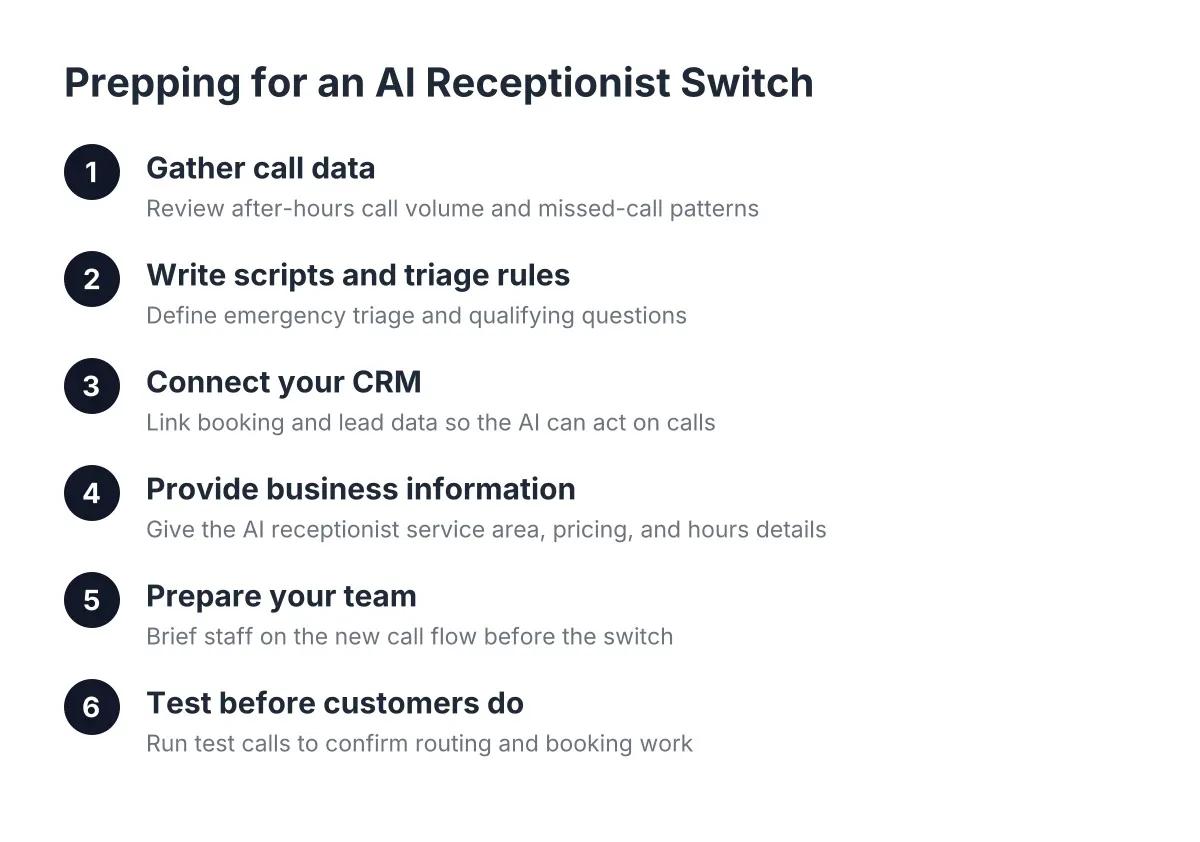
Before switching to an AI receptionist, prepare six things: your call data, your qualification questions, your booking rules, your emergency triage criteria, your CRM connections, and your bilingual call expectations. Owners who gather these before onboarding typically go live in days and book jobs the first week. Owners who skip preparation spend that time discovering gaps one awkward call at a time.
Work through the list in order:
- Pull your call history. Export 60 to 90 days of call logs from your phone provider. Count calls by hour and day. You are looking for your after-hours percentage, your weekend volume, and your spike patterns. This becomes your baseline for measuring whether the switch worked.
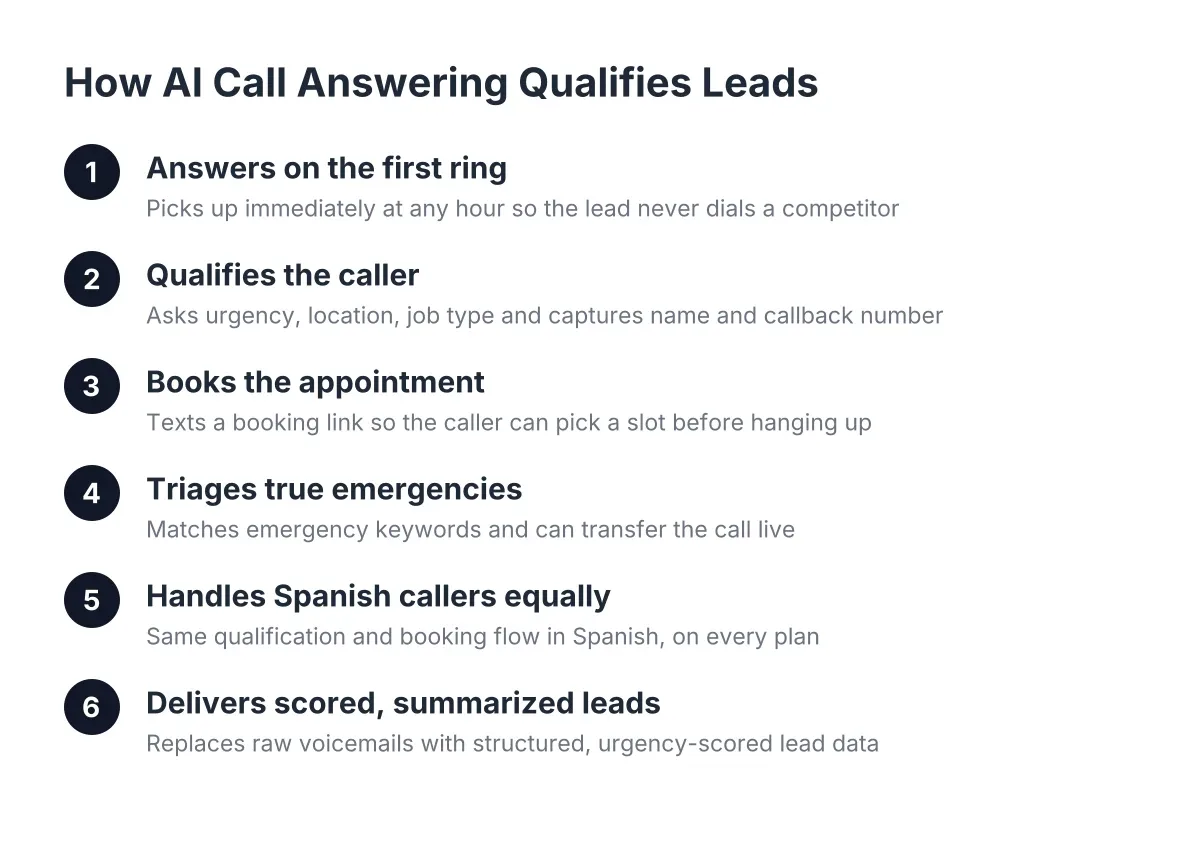
- Write down your qualification questions. What does your office manager ask every new caller? Service address, problem description, how they heard about you, whether it is a repair or recurring service. An AI receptionist is only as sharp as the questions you hand it.
- Define your booking rules. Which services can be booked directly, and which need an estimate first? What are your service areas, down to the ZIP code? A lawn care company might auto-book weekly mowing in Leander but route irrigation repairs to a callback list.
- Set emergency triage criteria. Decide, in writing, what counts as urgent. Active water intrusion, a gas smell, or a roof open to the sky might trigger a live transfer to the on-call person. A quote request for next month does not. Ambiguity here is the single biggest source of post-switch friction.
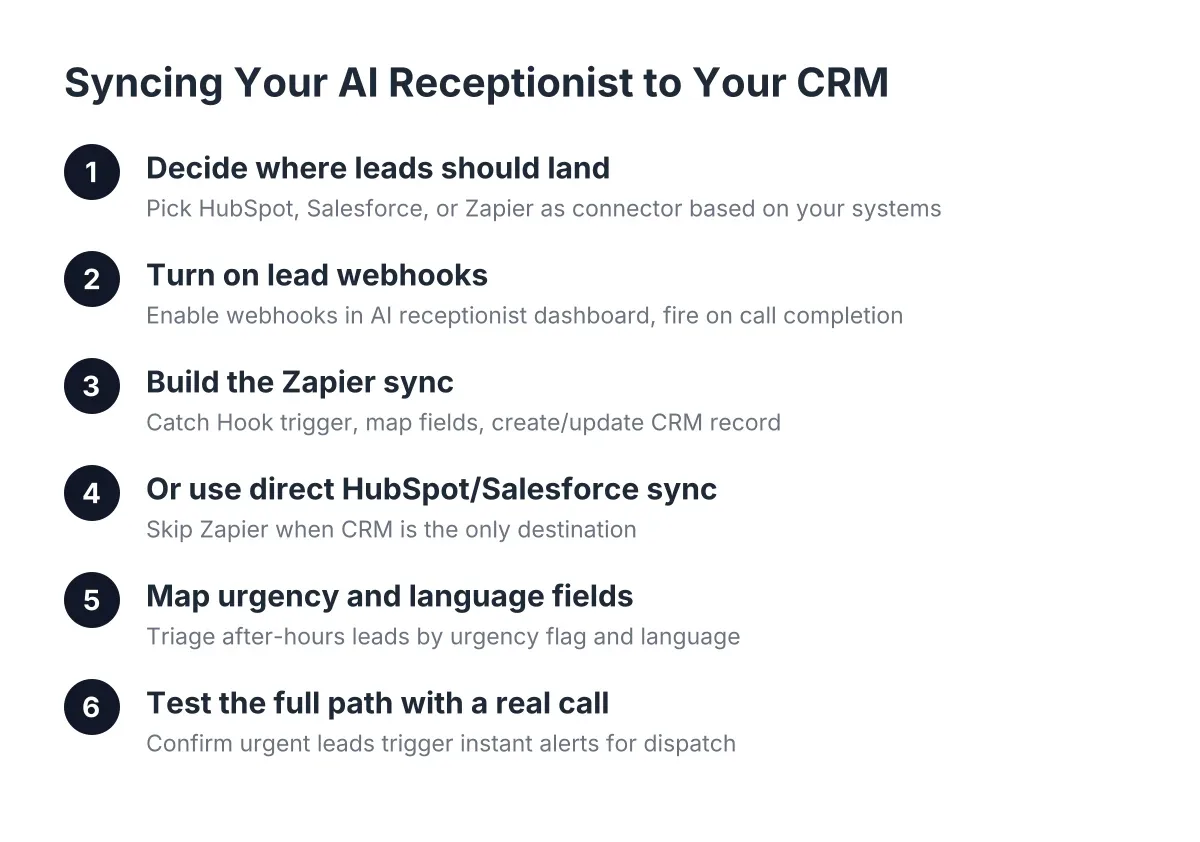
- Map your CRM and notification flow. Decide where captured leads should land: HubSpot, Salesforce, Zoho, a Zapier webhook into your job software, or a simple text summary. If leads land in a system nobody checks until Monday, the answering layer did its job and your follow-up did not.
- Plan for Spanish-language calls. In Central Texas, a meaningful share of after-hours callers prefer Spanish. Decide how you want those calls handled, what your service descriptions should sound like in Spanish, and who follows up. Bilingual coverage should be a default expectation, not an add-on you discover you needed later.
None of this is complicated, but all of it is specific to your business. That specificity is exactly what a generic national service cannot absorb and what a well-prepared AI receptionist can.
What Business Information Should You Provide to Your AI Receptionist?
You should provide your answering service or AI receptionist with your services list, service area, pricing approach, availability windows, emergency definitions, and the exact language your customers use. The quality of every answered call traces back to this information packet. Vague inputs produce vague calls.
Be concrete in each category. For services, do not write "pest control"; write "quarterly pest control plans, one-time treatments, termite inspections, rodent exclusion, we do not treat bed bugs." For service area, list the cities: Austin, Round Rock, Cedar Park, Georgetown, Pflugerville, Leander. Additionally, for pricing, decide what the AI can say: exact prices, starting-at ranges, or "we quote after an inspection."
In addition, capture the vocabulary of your callers. Storm-driven trades should include insurance language, because post-event callers ask about claims, deductibles, and adjuster meetings within the first minute. A roofing company that preps its AI receptionist with insurance intake questions, claim number, carrier, date of loss, captures a complete, sales-ready lead. One that skips this step captures a name and number, which the office then spends Monday morning chasing.
Seasonal businesses should also flag their calendar. Tell the system that March through May is spring booking season for lawn care, or that summer evenings drive pest volume. Then the weekly reporting you review each Monday shows whether after-hours capture is tracking with the season you expected.
How to Prepare Your Team Before the AI Switch
Preparing your team before switching to an AI receptionist means three things: assigning follow-up ownership, agreeing on response-time targets, and setting the on-call rotation for live transfers. The technology answers and books; your people still close and serve. Skipping team preparation is how booked leads sit untouched over a weekend.
Start with ownership. Every captured lead needs a named human responsible for it. In a five-person operation, that might be the owner on weekends and the office lead on weekdays. Call scoring and summaries help here; when the Sunday queue holds 14 leads after a storm, the team should work the scored, high-intent insurance claims first, not the top of an alphabetical list.
Next, set response-time targets against your baseline. If a lead was answered, qualified, and booked at 11 p.m., the morning follow-up is confirmation, not cold outreach. That changes the conversation your team walks into. Features like one-click call bridging from a dashboard shrink the gap between reading a summary and getting the lead on the phone.
Finally, run the on-call rotation like you would for field emergencies. If live transfer for urgent calls is on, someone must actually pick up at 2 a.m. Decide who, decide the backup, and write it down. An AI receptionist can triage a burst-pipe call flawlessly, and it still fails the customer if the transfer rings to a phone on silent.
One honest limitation: no automated system, and no human answering service either, replaces the judgment call on a genuinely ambiguous emergency. If a caller describes something that could be a life-safety issue, such as a gas leak or structural collapse risk, your triage rules should route them to 911 or a licensed professional immediately, and your setup should say so explicitly.
Test It Before Your Customers Do
The last preparation step before switching to an AI system is testing it yourself, deliberately and adversarially. Call the number at 10 p.m. and describe a hail-damaged roof in Georgetown. Call in Spanish and ask about weekly mowing in Pflugerville. Try to stump it with a rambling story about a raccoon in the attic and a half-remembered address.
You are testing for three failure modes. First, does it capture complete lead details even when the caller is scattered? Second, does it apply your booking rules correctly, offering the right appointment types for the right services and ZIP codes? Third, does it escalate what you defined as urgent and calmly book what you defined as routine?
However you handle the rest of your evaluation, do this part before go-live, not after. A good after-hours call answering setup should survive your hardest test calls before it ever takes a customer's. Any provider confident in their system will invite you to try to break it; treat hesitation on that invitation as useful information.
Run a two-week parallel period if you can. Keep your existing voicemail greeting updated with the new number behavior, watch the weekly report, and compare captured leads against your 90-day baseline. If you took the preparation steps above seriously, the comparison usually settles the decision faster than any sales conversation could.
The Payoff for Doing the Prep Work
Owners who prepare before switching to an AI receptionist convert the transition from a technology experiment into a measurable revenue project. You know your baseline missed-call count. You know your qualification questions, booking rules, and triage criteria. Furthermore, you know exactly where leads land and who follows up, in English and in Spanish.
The after-hours window will keep producing calls whether you capture them or not. The storm will hit on a Friday night, the ants will show up at dinnertime, and spring booking season will open whether your phone is covered or not. Preparation is the difference between watching that window close every evening and treating it as the most predictable growth channel your business has.
Start with the call log export this week. Ninety days of data will tell you, in your own numbers, exactly what after-hours coverage is worth to your business, and everything else on the checklist builds from there.
If you're losing revenue to missed calls, NeverMiss ATX can help.
Prefer to talk it through? Call (512) 980-9267 — a quick call is usually the fastest way to get a straight answer for your situation.