Free AI Phone Answering Trial: 7 Things to Test Before You Trust It With a Real Call
You run a crew, not a call center. When your phone rings at 2 p.m. and you're on a ladder in 95° heat, that call goes to voicemail, and most callers won't leave one. A free AI phone answering trial is the fastest way to find out whether testing an AI receptionist can catch those calls for you, but only if you test it like a skeptic instead of a shopper. We built our AI receptionist for Central Texas trades, and we'd rather you try to stump it before you ever route a paying customer to it.
This is not a generic explainer. This is a behind-the-curtain checklist of exactly what happens on a live call, from first ring to booking confirmation, and the seven tests that separate a real AI receptionist from a glorified answering machine for your cell phone.
First, why testing matters. According to MIT Sloan School of Management and InsideSales.com, the odds of contacting a lead drop 100-fold when the callback happens 30 minutes after the inquiry instead of within 5 minutes. The odds of qualifying that lead drop 21-fold. Speed is the whole game. An AI receptionist that answers instantly but fumbles the conversation loses the lead just as surely as voicemail does. So test both halves: speed and substance.
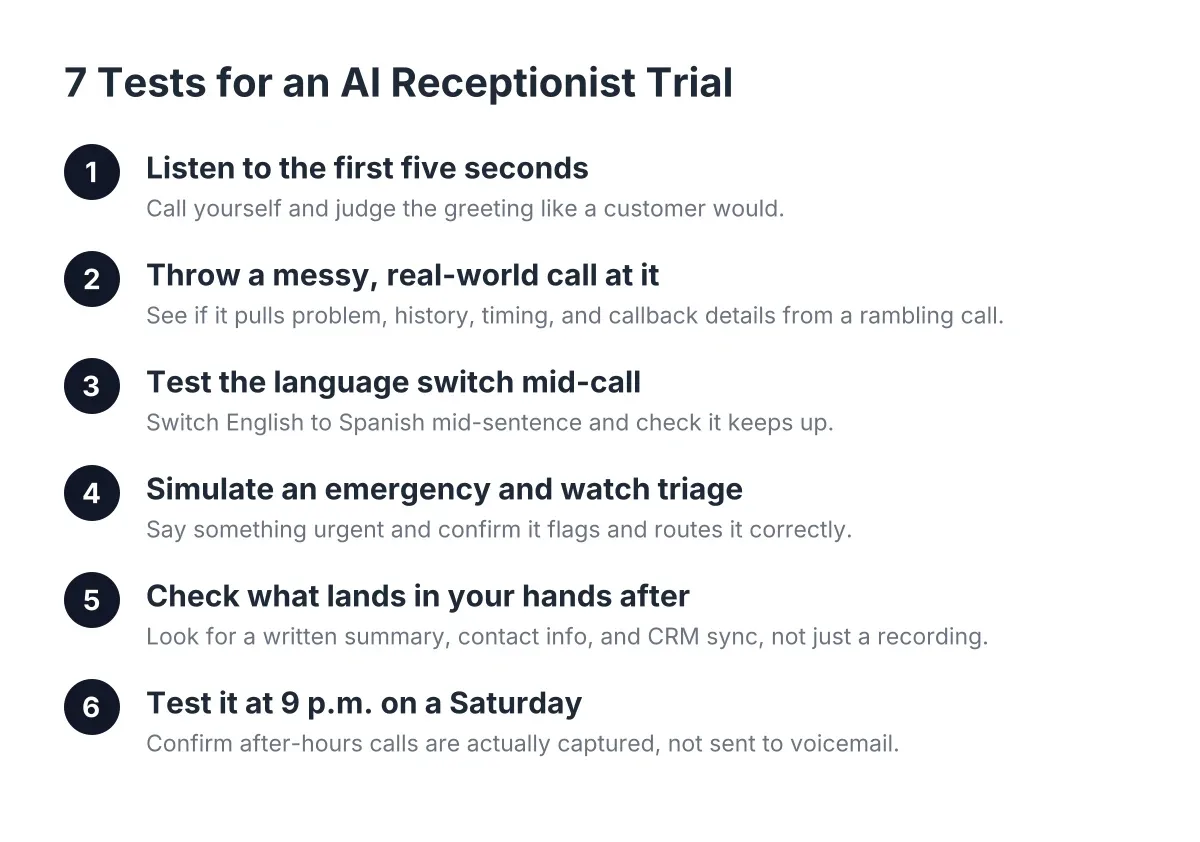
Here are the seven tests, in the order a real call flows.
1. Call It Yourself and Listen to the First Five Seconds
The first test in any free AI phone answering trial is simple: dial the number and listen like a customer would. The greeting should sound natural, name your business, and ask a useful question within one breath. If you hear a robotic pause, a stilted "please state your inquiry", or hold music before anyone picks up, hang up. Your customers will too.
Here's what a caller hears when a well-built AI receptionist answers: a clear voice, your company name, and an open question like "What's going on with your system today?" No menu tree. No "press 1 for service." Skepticism about AI call quality is fair, which is exactly why you should never take a demo video's word for it. Call the line, try to stump it, and judge with your own ears.
2. Throw a Messy, Real-World Call at It
Scripted demos are easy. Real calls are not. So test with the kind of call you actually get: "Yeah, hi, my AC's making a noise, it's kind of a rattle, we had y'all out last spring I think, anyway my wife says it smells weird too, can someone come Thursday? Or wait, Friday's better."
A capable AI receptionist pulls four things out of that mess: the problem (rattling AC with an odor), the history (possible recurring customer), the preferred window (Friday over Thursday), and the callback details. Then it confirms them back to the caller in plain language. If the AI asks the caller to repeat themselves twice or loses the thread when the caller changes their mind mid-sentence, it's not ready for your phone line.
3. Test the Language Switch Mid-Call
In Central Texas, bilingual answering isn't a premium feature; it's table stakes. A meaningful share of home service calls in Austin, Round Rock, and Pflugerville come in Spanish, and plenty of callers switch between English and Spanish inside a single sentence. Your trial should test exactly that.
Call in English, then switch to Spanish halfway through describing the problem. The AI receptionist should follow without a beat, capture the lead in whichever language the caller prefers, and send you a summary you can read in English. Don't accept "bilingual support available" on a pricing page as proof. Make it show you on a live call.
4. Simulate an Emergency and Watch the Triage
This is the test most owners skip, and it's the one that matters most for urgent trades. Call the trial line and say something like "water is pouring through my ceiling right now." A trustworthy AI receptionist does three things in order: recognizes urgency from the caller's words, flags the call as an emergency, and follows your rule for what happens next.
That rule is yours to set. Some owners want urgent calls live-transferred to their cell immediately. Others want an instant text with a one-click call bridge so they can ring the customer back from the dashboard between jobs. Either way, the AI should never treat a burst pipe like a mulch quote. To be clear about the limits: an AI receptionist triages and routes emergencies; it does not diagnose them. The judgment call on whether to roll a truck at midnight is still yours, and it should be.
5. Check What Actually Lands in Your Hands After the Call
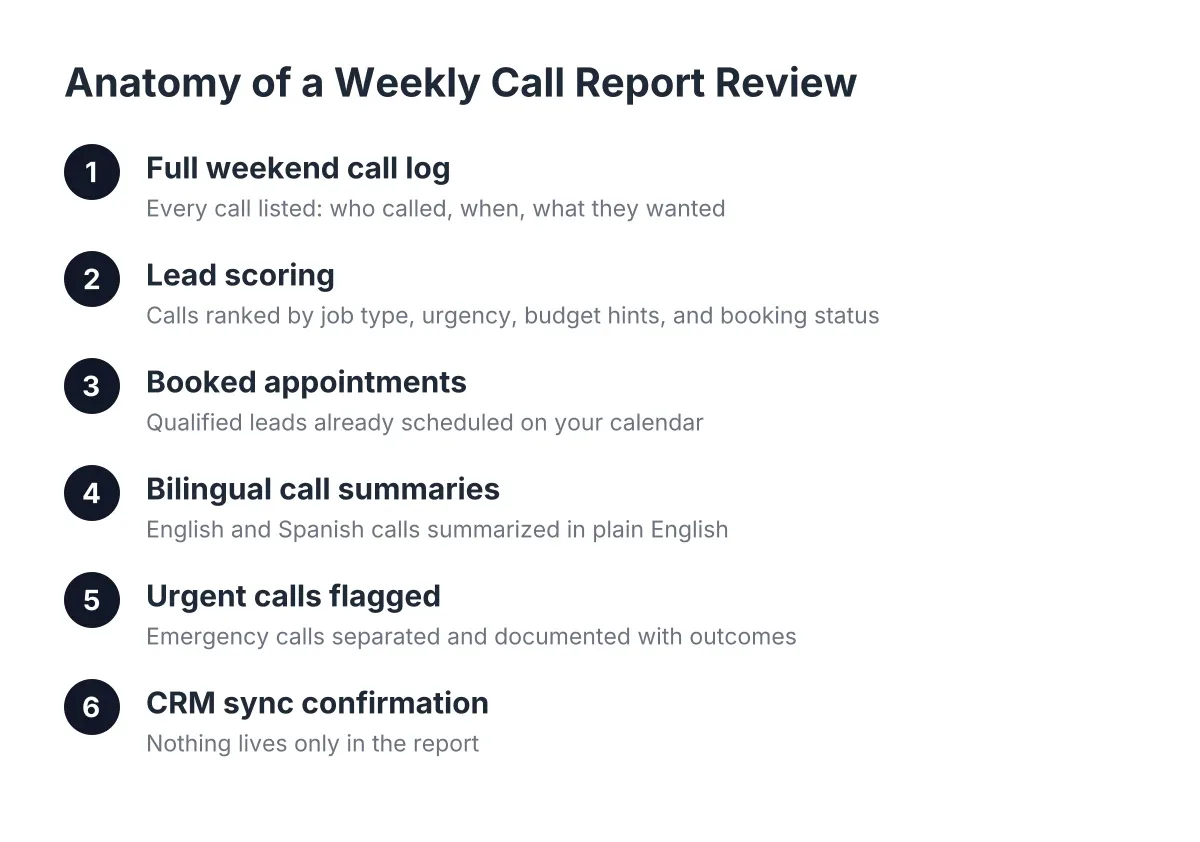
A call answered but not captured is still a missed call. After each test call, look at what shows up on your end within a minute or two. At minimum you should see:
- A written summary of the call, not just a recording you have to sit through
- The caller's name, number, and service address
- The problem described in the caller's own words
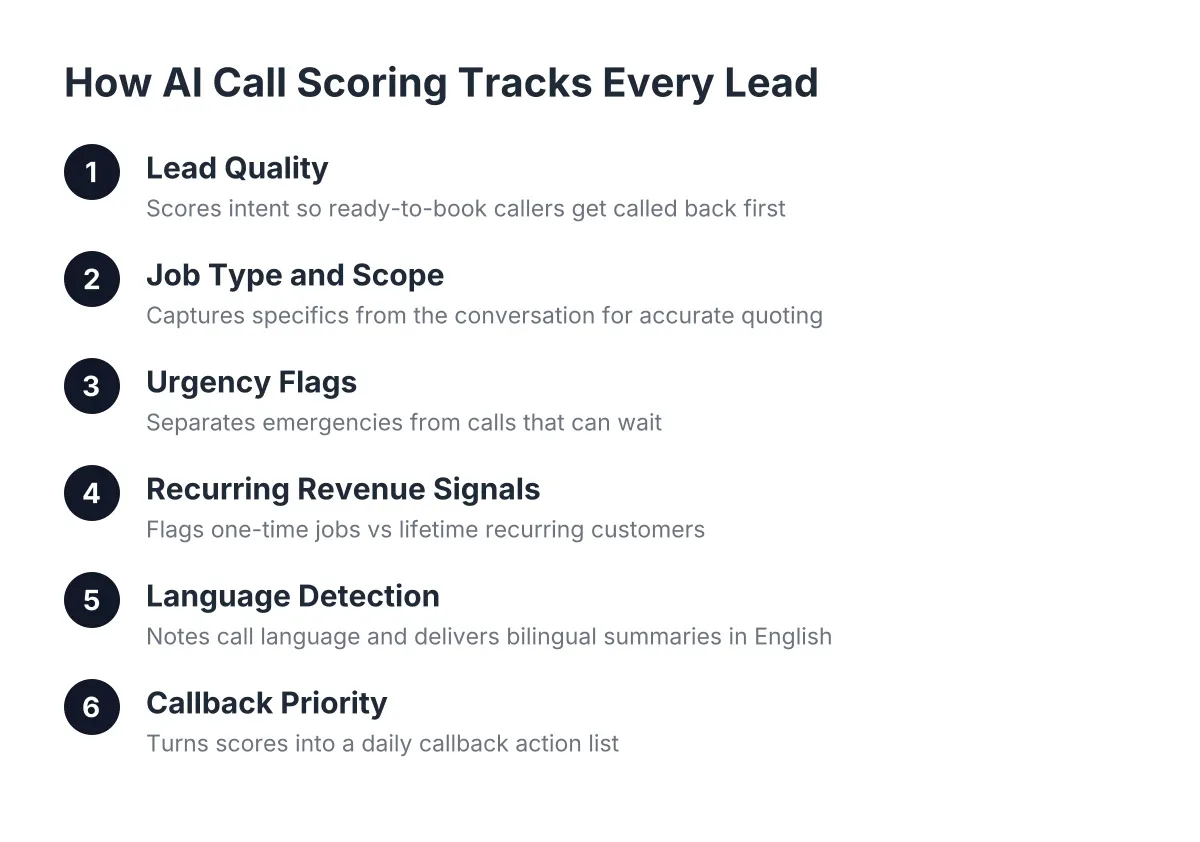
- A lead score or qualification note (new customer, recurring customer, tire-kicker, or emergency)
- The booking status, including whether a booking link was sent
In addition, check where that data goes. If you run HubSpot, Zoho, or a Zapier setup, the lead should sync automatically. If your CRM is a spiral notebook on the dash of your truck, a clean text summary works too. The point of any free AI phone answering system worth trialing is that nothing lives only inside the tool; every lead lands where you'll actually see it.
6. Test It at 9 p.m. on a Saturday
After-hours is where the money hides. Suppose you run a six-person pest control operation in Georgetown. During spring peak, say you're getting 40 calls a week, and a third of them come in after 6 p.m. or on weekends. In that scenario, if your average recurring customer is worth $600 a year and you convert even half of those after-hours callers, that's an illustrative $15,000 to $20,000 a year riding on calls your crew physically cannot answer.
So place your test call at 9 p.m. Saturday. The AI receptionist should answer exactly like it does at 9 a.m. Tuesday: same voice quality, same lead capture, same booking flow. 24/7 should mean identical service at 3 a.m., not a degraded overnight mode. This is also where AI phone answering separates itself from hiring: a full-time receptionist covers 40 hours a week, while your phone rings across all 168.
7. Read the Fine Print on "Free" Before Peak Season Hits
Not every free trial is built the same, and the differences show up exactly when you can least afford them. Before you commit, get straight answers to these questions:
- Is it a time-limited trial, a limited call count, or a permanently free tier with stripped features?
- Does the free version include lead capture and summaries, or just answering?
- Is bilingual support included, or gated behind a higher plan?
- What happens to overflow calls when you exceed the free limit mid-week?
- How long does setup take, and can you do it yourself in an afternoon?
That last one matters more than owners expect. If setup requires a two-week onboarding call series, you'll never get it live before the summer rush. A well-built system needs your service list, your service area, your booking preferences, and your emergency rules. That's an afternoon, not a project plan.
What to Look for When Testing an AI Receptionist
Yes, free AI phone answering trials and free tiers exist in 2026, and the good ones give you enough live calls to run every test on this list before you pay anything. The catch is that "free" ranges from a genuine trial of the full product to a demo line that can't book anything. Judge the free version by whether it completes a real call end to end: answer, qualify, capture, and book. If the free tier can't deliver a booking link, you're testing a voicemail replacement, not an AI receptionist.
One more honesty note: free tiers rarely include deep CRM integrations or custom call logic. That's a reasonable trade during testing, but confirm those features exist on paid plans before your peak season, not after.
Can I Get AI to Answer My Phone Calls Without Changing My Number?
You can get AI to answer your business calls without changing your number, and setup is simpler than most owners fear. The standard approach is conditional call forwarding: your existing number rings your cell first, and unanswered or after-hours calls forward to the AI receptionist. You stay on the jobs you want to take directly, and the AI catches everything else, including overflow during the summer rush.
This same pattern works well beyond the trades. An AI receptionist for a medical office runs on identical logic: answer instantly, capture the caller's details, and route urgent situations to a human. If the underlying system can handle a burst pipe at midnight, a Monday morning appointment line is comparatively easy.
What a Passing Grade Looks Like
Adoption is still early; an NFIB survey found only 24% of small employers currently use AI tools for business activity. That means most of your competitors in Austin are still letting after-hours calls hit voicemail. It also means the bar for standing out is low: answer every call, and you win a share of jobs by default.
However, don't let the opportunity rush your judgment. Run all seven tests during your free trial. If the AI receptionist handles the messy call, switches languages mid-sentence, triages the fake emergency, and puts a clean summary in your hand within two minutes, it has earned a shot at your real line. If it stumbles on any of them, you learned that for free, which is exactly what a trial is for.
Your phone is going to ring during peak season whether you're ready or not. The only question is who picks up.
If you're losing revenue to missed calls, NeverMiss ATX can help.
Prefer to talk it through? Call (512) 980-9267 — a quick call is usually the fastest way to get a straight answer for your situation.