How AI Call Intelligence Scores and Summarizes Every Lead for Trades: 8 Things It Tracks
You're on a ladder in Cedar Park when a new customer calls about weekly lawn service. The AI receptionist answers, books the appointment, and by the time you're back in the truck, there's a summary on your phone with a lead score attached. That last part is what most owners haven't seen yet. AI call scoring trades every interaction—the system scores every call, summarizes what the caller wanted, and tells you which leads deserve a callback first. For a recurring service business where the first call decides whether you win a customer worth 5x a one-time job, that ranking matters more than any other feature on the plan.
This is a behind-the-curtain look at what the scoring and summarization layer actually does, written by the people who built it for Central Texas trades, not a generic software explainer. Here are eight specific things AI call intelligence tracks on every call, and why each one changes how you run your day.
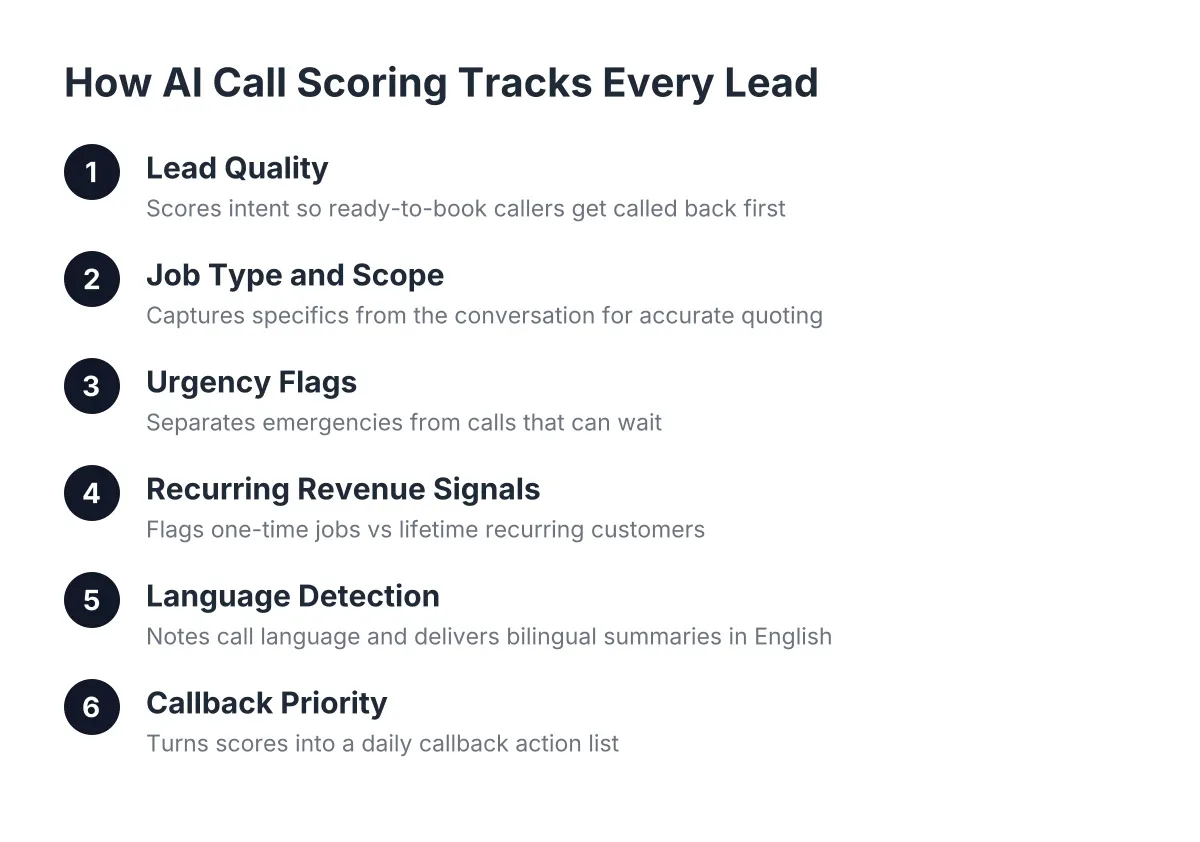
1. Lead Quality: Who's Ready to Book vs. Who's Shopping Around
The first thing the system grades is intent. A caller who says "I need weekly mowing starting this month, here's my address in Pflugerville" scores high. A caller who asks "how much do you charge, just curious" scores lower. Both get captured, but the score tells you which one to call back first when you climb off the roof at 4:30.
This matters because callback speed decides deals. A foundational MIT Sloan / InsideSales.com study found the odds of contacting a lead drop 100-fold, and the odds of qualifying that lead drop 21-fold, when the callback happens at 30 minutes instead of within 5 minutes. You can't call everyone back in 5 minutes from a job site. A score lets you call back the right person first.
2. Job Type and Scope, Pulled Straight From the Conversation
The summary names the work. Not "customer called about service" but "customer wants quarterly pest treatment for a 2,400 sq ft home in Georgetown, mentioned seeing scorpions in the garage, asked about pet-safe products." The AI receptionist asks qualifying questions during the call, so the summary reads like notes from a sharp office manager, not a voicemail transcription.
For a multi-trade or general construction operation, this is where flexible service knowledge earns its keep. A handyman business in Round Rock might field a fence repair, a drywall patch, and a bathroom remodel inquiry in the same afternoon. The summaries keep each one straight so you quote accurately instead of calling back and asking the customer to repeat everything.
3. Urgency Flags: Which Calls Can't Wait Until Tomorrow
Scoring separates "burst pipe flooding the kitchen" from "thinking about a deck next spring." Urgent calls get flagged at the top of your feed, and if you've opted into live transfer, the AI receptionist bridges emergency calls to your phone in real time instead of just logging them.
However, be honest about the limits here. AI handles triage well when the categories are clear; a true life-safety situation (gas smell, electrical fire risk) should always route to a human or to 911 guidance, and a good system is configured to do exactly that. Treat emergency triage as something you set up deliberately with your provider, not a default you assume.
4. Recurring Revenue Signals: One-Time Job or Lifetime Customer
For lawn care, pest control, and pool service owners, this is the score that pays the bills. The intelligence layer listens for recurring intent: "weekly," "every month," "ongoing," "we just moved here and need someone regular." In AI call scoring trades operations, a caller signaling recurring service scores differently than a one-time cleanup, because a recurring customer is worth multiples of a single job over their lifetime with you.
During spring booking season, when call volume doubles and your crew is out all day, this signal is how you protect lifetime value. Suppose a typical Tuesday in March brings 11 calls while your crew runs routes. The scores might show three recurring prospects, five one-time jobs, and three price shoppers. Now your two callback windows go to the three customers who could be on your route list for the next five years.
5. Language Detection and Bilingual Summaries
Austin trades serve a bilingual market, so the intelligence layer notes which language the call happened in. The AI receptionist handles the conversation in English or Spanish, switching when the caller does, and the summary lands in your dashboard in English either way. You never lose a lead because the call came in Spanish at 9 PM, and you never need a bilingual office hire to read your own call notes.
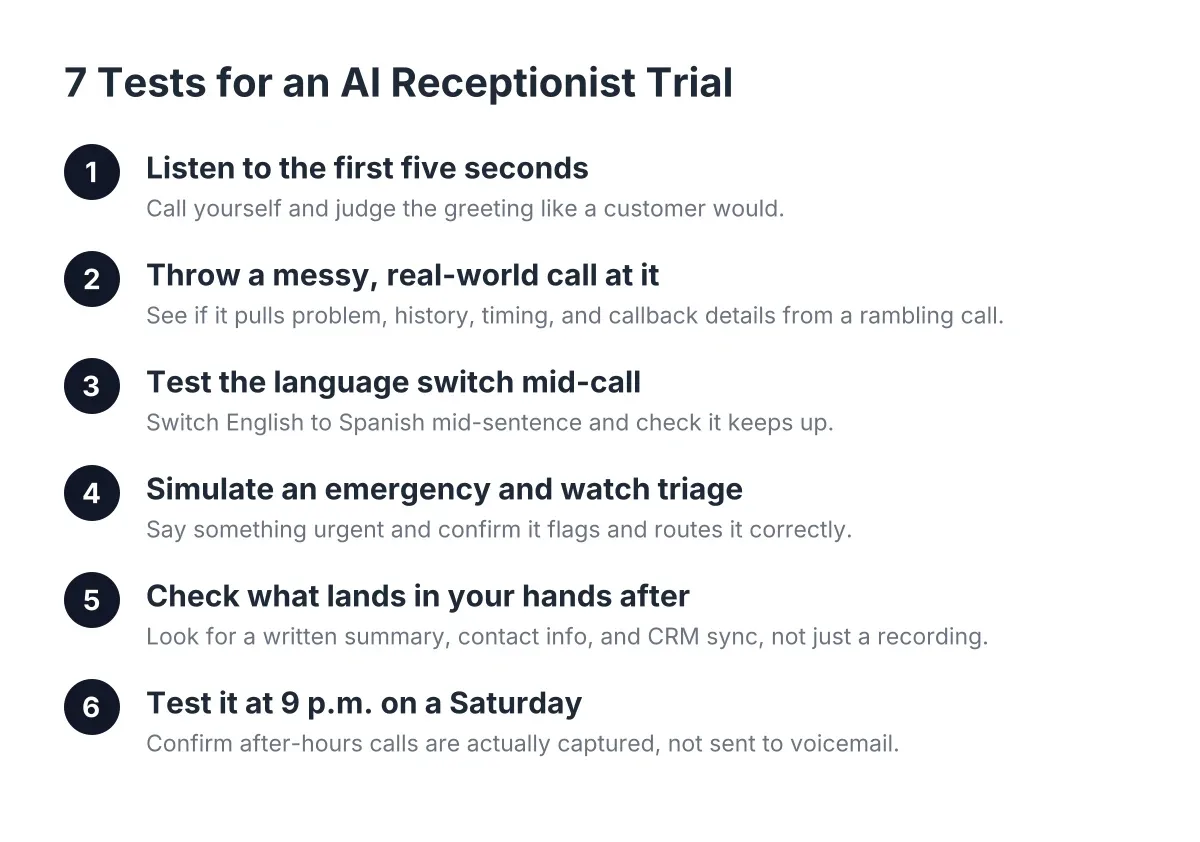
This is also a fair test to run before you buy. Call the line in Spanish, mid-conversation, and see whether the AI keeps up. If a provider can't demo that live, the bilingual claim is a brochure feature, not a real one.
6. Full Call Summaries You Can Read in 20 Seconds
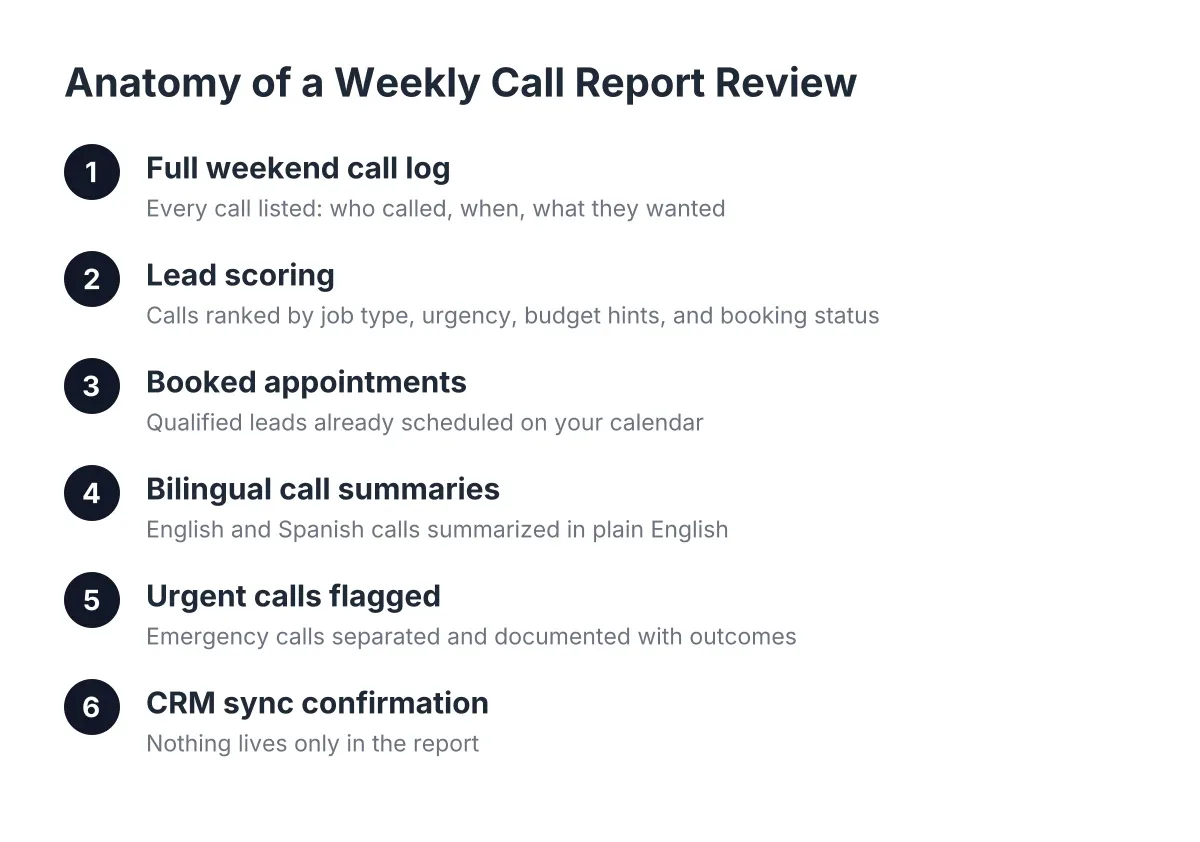
Every call gets condensed into a few lines: who called, what they need, where they are, when they want it, and what happened next (booked, needs a quote, requested callback). Compare that to the old workflow of listening to seven voicemails in the truck, half of them cut off mid-address.
The summary also records the outcome of the call itself. If the caller booked, you see the appointment. If they needed a custom quote, the request routes to you with the details already captured. This is the piece of AI call scoring and trades that skeptical owners warm up to fastest, because it's verifiable: read the summary, then listen to the recording, and check that they match.
7. Patterns Across Weeks: What Your Call Volume Is Telling You
Individual scores help you today. Aggregated scores help you plan the season. A weekly Monday morning report rolls up call volume, lead quality, after-hours percentage, and booking rate, so you see patterns like "40% of pest calls come in after hours" or "quote requests spike after storms" in your own numbers, not industry averages.
For an owner doing $150K to $600K a year with mixed job types, this is the closest thing to a sales analyst you'll get without hiring one. It answers practical questions: Should you extend live transfer hours in summer? Is the Leander area generating enough calls to justify a second crew? The data is already in your calls; scoring makes it readable.
How AI Call Scoring in Trades Drives Your Workflow
Scores and summaries shouldn't live in yet another app you forget to open. Look for webhook and CRM sync support (Zapier, HubSpot, Salesforce, Zoho) so every scored lead lands where you already work. A high-scoring lead can trigger a text to your phone; a quote request can create a deal in your pipeline automatically.
8. Callback Priority: Turning Scores Into a Daily Action List
The end product of all this grading is a ranked list. Open the dashboard at lunch, see five new leads sorted by score, and one-click call the top one from the dashboard while your sandwich is still warm. That's the whole workflow: AI call intelligence scores the morning's calls, you work the list from the top, and nothing high-value sits until Thursday.
In practice, a sensible priority order looks like this:
- Urgent or emergency-flagged calls first (or live-transferred in real time)
- High-score recurring service prospects, called back within the hour when possible
- One-time jobs with clear scope and timeline
- Quote requests needing a site visit, batched for end of day
- Low-intent price shoppers, handled by text or email follow-up
Worth knowing: according to Five9, 75% of consumers still prefer talking to a real human for customer support. Scoring doesn't argue with that preference; it serves it. The AI answers and captures when you're on site, and the score makes sure the human conversation, your callback, happens fast with the right person.
How Much Does AI Phone Answering With Call Intelligence Cost?
AI phone answering with call scoring and summaries typically runs from about $50 to a few hundred dollars per month as of 2026, depending on call volume and features. That's an illustrative range, not a quote; pricing varies by provider. The comparison that matters is against the alternatives: a national answering service billing per minute, or a part-time office hire at $2,000-plus a month who still clocks out at 5.
Two points help frame the decision. First, you're early, not late: an NFIB survey found only 24% of small employers currently use AI tools for business activity, so adopting now is a competitive edge in your market, not table stakes. Second, this isn't a staffing decision in disguise. NFIB also found 98% of small employers using AI reported no change in employee headcount. The AI receptionist answers calls you were missing; it doesn't touch the crew.
What to Check Before You Trust the Scores
AI call intelligence scores are only as good as the conversation underneath them, so evaluate the answering quality first. Before committing, test a provider on these:
- Call it yourself and try to stump it. Ask about an odd job type, interrupt, switch to Spanish. A local provider built for Central Texas trades should invite this test, not dodge it.
- Read a real summary against the recording. Accuracy here is the whole product.
- Confirm how urgency is defined. You should control what counts as an emergency and where those calls route.
- Check the scoring criteria match your business. A recurring-service owner needs recurring intent weighted heavily; a remodeler needs project scope and budget signals instead.
- Verify setup effort. A solo operator should be live in days, not weeks, without an IT consultant.
One honest trade-off: scoring is a judgment call made by software, and no system grades every call perfectly. An AI might underscore a hesitant caller who turns into your best recurring customer. That's why summaries and recordings sit next to every score; you stay the final judge, the system just makes judging 30 calls a week take minutes instead of an evening.
The bottom line for a recurring service owner in Austin, Round Rock, or Georgetown: answering every call is step one, but knowing which answered call to chase first is what grows the route list. Scoring and summarization turn a pile of missed-call anxiety into a short, ranked to-do list you can clear from the truck.
If you're losing revenue to missed calls, NeverMiss ATX can help.
Prefer to talk it through? Call (512) 980-9267 — a quick call is usually the fastest way to get a straight answer for your situation.