Can I Transfer Urgent Calls From an AI Receptionist to My Phone? Yes, Here’s How
If you run a plumbing, electrical, or pest control business in Central Texas, the first question you ask about any answering setup is the right one: can I transfer urgent calls straight to my cell when a real emergency hits? The answer is yes. Live transfer urgent calls is an opt-in feature, and once you configure it, the AI receptionist triages the call, decides whether it meets your emergency criteria, and bridges the caller to your phone in real time. Everything else gets captured, qualified, and booked without interrupting you on site.
This guide walks through the exact setup, step by step, from defining what counts as urgent to testing the transfer on your own phone before a paying customer ever hears it. It was written by the team that built this for Austin trades, so the examples are burst pipes and after-hours roach calls, not generic SaaS screenshots.
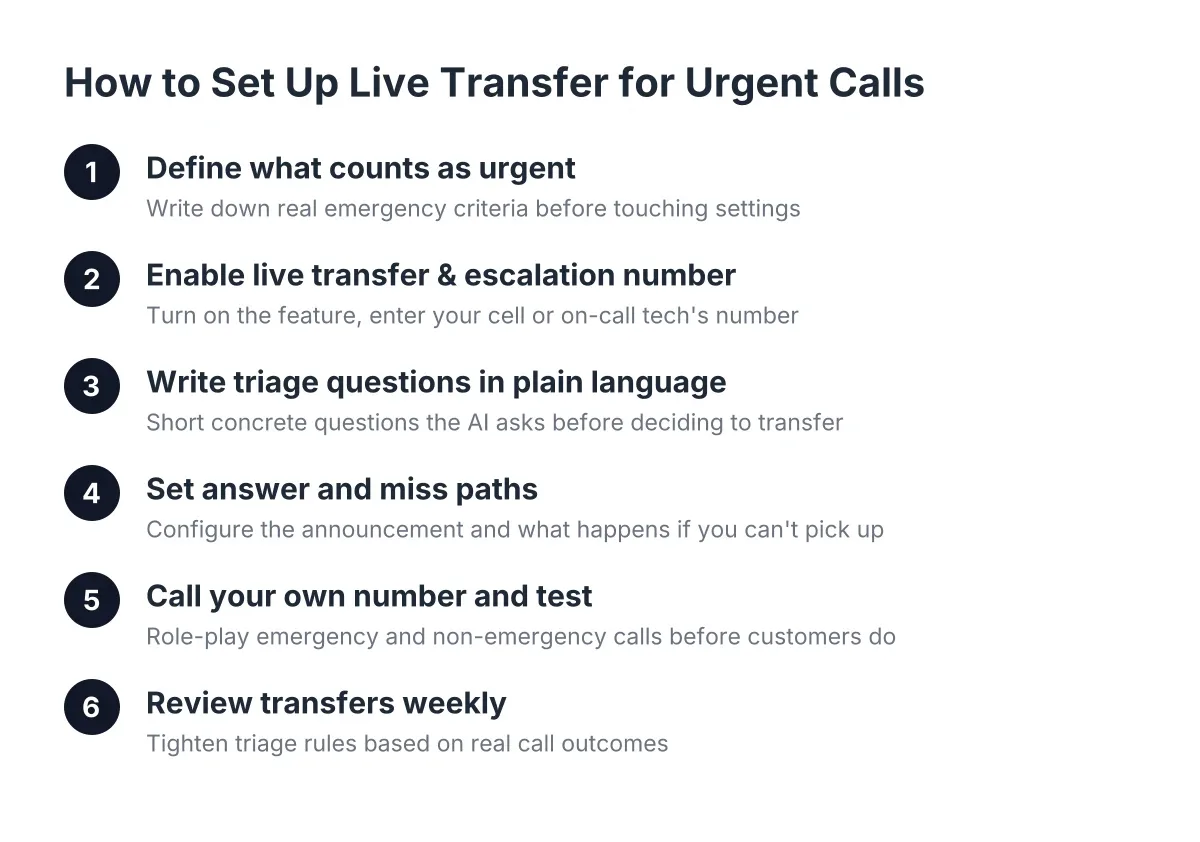
Step 1: Decide What Counts as Urgent Before You Touch Any Settings
Before you configure anything, write down your real emergency criteria on paper. The AI receptionist can only triage as well as the rules you give it, and vague rules produce vague transfers.
Sit down for ten minutes and answer three questions:
- What situations justify interrupting you mid-job? For a plumber, that might be active flooding, a burst pipe, or no water to the whole house. For an electrician, sparking outlets, burning smells, or a full power loss. For pest control, a wasp nest by a front door or a customer who found a snake inside.
- What sounds urgent but isn't? A dripping faucet at 9 p.m. feels urgent to the caller. It can wait until morning and be booked as a first appointment instead.
- When do transfers apply? Some owners want live transfer 24/7. Others want transfers only after-hours, when the office manager is off the clock, and let normal booking handle daytime calls.
Be honest about the second list. Every non-emergency you take live is a job interruption that costs you focus on the customer in front of you. The whole point of AI phone answering is that routine calls get answered and booked without you, so reserve transfers for calls where a 30-minute delay genuinely loses the job or endangers the caller.
Step 2: Enable Live Transfer and Enter Your Escalation Number
Live transfer is opt-in, so it starts disabled. In your dashboard, open the setting to enable live transfer for urgent calls, switch it on, and enter the number that should ring, usually your cell or your on-call tech's phone.
Next, set your transfer window. If you only want emergency bridging after-hours, set the schedule to match your office hours, so daytime urgent calls still route to whoever answers your main line. If you're a solo operator, leave it on 24/7 and let the triage rules do the filtering.
Add a fallback behavior too. If you're under a house with no signal and the transfer doesn't connect, the AI receptionist should tell the caller you've been alerted, capture the full details, and send you an immediate summary. The caller never hears dead air or a voicemail beep. That fallback matters more than most owners expect, because Central Texas coverage gets spotty fast once you're outside Round Rock or Leander.
Step 3: Write Your Triage Questions in Plain Language
Now translate your Step 1 list into the questions the AI asks before it decides to transfer. Keep them short and concrete, the way you'd coach a new office hire.
For example, a plumbing setup might look like this:
- "Is water actively leaking or flooding right now?"
- "Can you shut off the water at the valve, or is water still coming?"
- "Is this affecting your whole house or one fixture?"
If the caller confirms active flooding they can't stop, that call meets your transfer criteria and bridges to your phone. If it's one slow-draining sink, the AI captures the lead, qualifies it, and sends a booking link for tomorrow morning instead.
Set the same rules for Spanish-language callers. Bilingual support runs on every plan, so a caller in Pflugerville who describes "una fuga de agua en toda la casa" at 2 a.m. gets the same triage and the same live transfer as an English speaker. You don't configure anything separately; the triage logic applies in both languages automatically.
Step 4: Set Up What Happens When You Answer, and When You Can't
When a transfer connects, the AI receptionist announces the call before bridging it: caller name, location, and the emergency in one sentence. So you hear "Transfer: Maria in Cedar Park, water heater leaking into the garage" before you say a word. You take the call already knowing whether to roll the truck.
However, you won't always pick up. You might be on a ladder, elbow-deep in a panel, or asleep at 3 a.m. with the ringer low. Configure the miss path now:
- The AI returns to the caller, explains you've been notified, and collects the address, callback number, and job details.
- You get an instant text and email summary with the AI's urgency score.
- The lead pushes to your CRM through the webhook or Zapier sync, so nothing depends on you remembering a 3 a.m. text.
Speed on that callback matters more than anything else in this setup. According to MIT Sloan School of Management and InsideSales.com, the odds of contacting a lead drop 100-fold when you call back at 30 minutes instead of within 5. For an emergency trade, that gap is the difference between winning the job and hearing the customer already called someone else.
Step 5: Call Your Own Number and Test the Transfer
Do not skip this step. Before any customer hears the system, call your own business line and role-play three calls:
- A true emergency. "My water heater burst and the garage is flooding." Confirm the AI asks your triage questions, decides to transfer, and your cell rings with the announced summary.
- A fake emergency. "My faucet is dripping and it's driving me crazy." Confirm the AI books it as a next-day appointment instead of bridging it to you.
- A Spanish-language emergency. Have a Spanish-speaking friend or crew member call and describe an urgent problem. Confirm triage and transfer work identically.
Then test the miss path. Let a transfer ring through without answering, and check that the summary text arrives within a minute with the caller's details intact. If any of the three calls routes wrong, adjust your triage questions in the dashboard and test again. Most owners get the rules dialed in within two or three test rounds.
Try to stump it while you're at it. Ask weird questions, talk over it, describe the problem badly. That's how a panicked caller at 2 a.m. actually talks, and you want to hear how the system handles it before your customers do.
Step 6: Review Transfers Weekly and Tighten the Rules
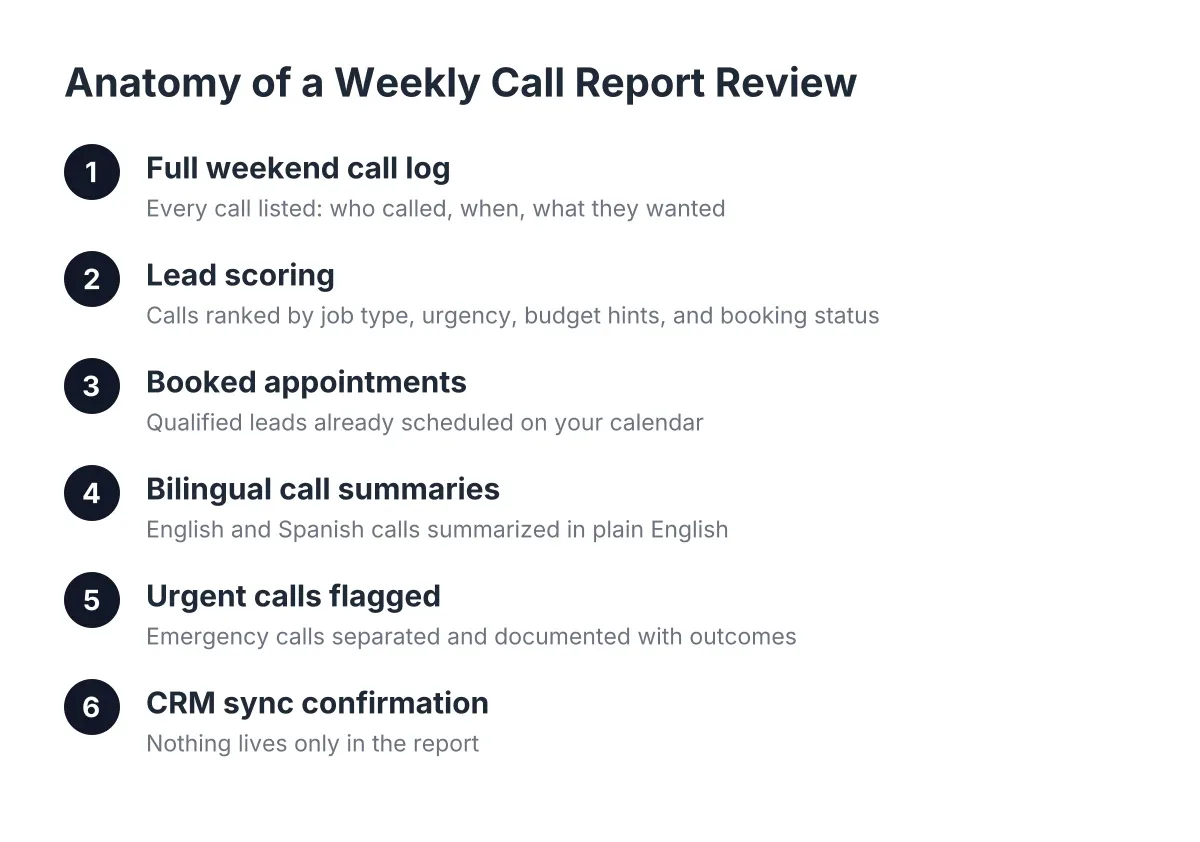
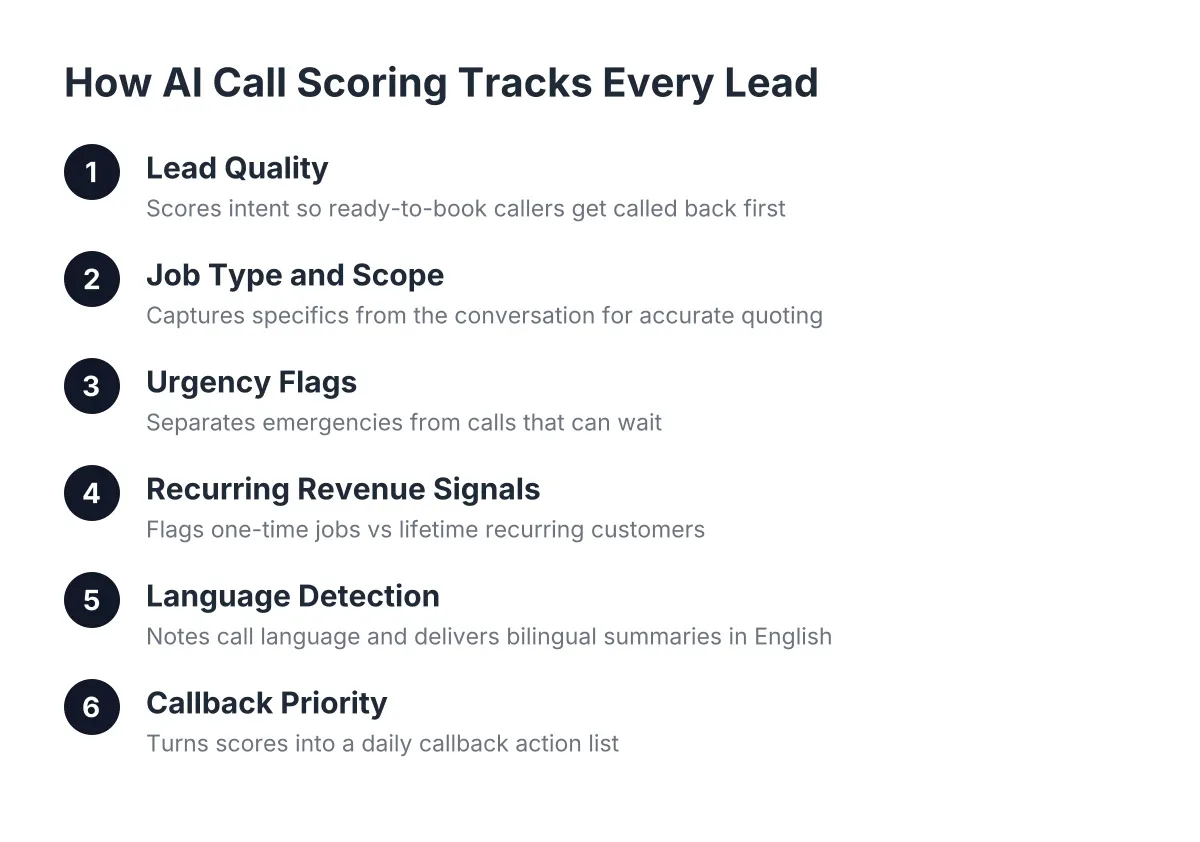
Your first set of triage rules won't be perfect, and that's fine. The Monday Morning Report shows every call from the past week, which ones transferred, which ones booked, and the AI's scoring on each. Spend five minutes reviewing it.
Look for two patterns. Transfers that shouldn't have happened mean your urgency bar is set too low; tighten a triage question. Booked appointments that should have been transfers mean the bar is too high; loosen one. Pest control owners see this seasonally, since a high percent of pest calls come after-hours and the definition of "urgent" shifts between a June wasp season and a February termite inquiry.
Adjust once a week for the first month. After that, most owners touch the rules only when seasons change.
Common Questions About Transferring Urgent Calls
Can I transfer urgent calls only after-hours and handle daytime calls myself?
Yes, you can restrict urgent-call transfers to any schedule you set. Many Austin owners run live transfer only from 6 p.m. to 8 a.m. and on weekends, when nobody is at the desk. During business hours, the AI receptionist still answers overflow and captures every lead, but urgent daytime calls route to your office line as usual.
The schedule is yours to change anytime. During spring booking season, some lawn and pest owners widen the window; in slower months, they narrow it back down.
What does the caller hear during a live transfer?
The caller hears a natural handoff, not a cold drop into hold music. The AI receptionist says it's connecting them to the owner or on-call technician now, then bridges the call while you hear the one-line summary. If you don't pick up, the AI returns and finishes lead capture, so the caller always talks to something responsive instead of a voicemail box.
That continuity matters because most callers still expect a person on urgent calls. A Five9 survey found 75% of consumers prefer talking to a real human for phone support, which is exactly why the transfer feature exists: the AI handles triage and routine booking, and real emergencies still reach a real human, you.
Will this replace my office manager or on-call rotation?
No, and it shouldn't. The AI receptionist answers what your team can't get to, captures leads after-hours, and bridges true emergencies to whoever is on call. Your people still run the relationships. That matches what small businesses report broadly; according to the National Federation of Independent Business, 98% of small employers using AI saw no change in employee headcount.
One honest limitation: the AI triages based on what the caller describes, and callers sometimes misjudge their own emergency. A "small electrical smell" can be a fire risk. If your trade carries life-safety stakes, set your triage rules conservatively and accept a few extra transfers rather than miss the one call that mattered. When in doubt, the system should send the call to you.
The Payoff: Every Call Answered, Only Real Emergencies Ring Your Pocket
Once the six steps are done, here's what your phone life looks like. Routine calls get answered 24/7 in English and Spanish, qualified, and booked while you work. A recurring customer worth five times a one-time job never hits voicemail on their first call. And when a Georgetown homeowner has water pouring through a ceiling at midnight, that one call, the one that justifies interrupting anything, rings your cell with the details already summarized.
You built your emergency reputation by answering when it counts. Live transfer keeps that intact; the AI just filters out the 90% of calls that never needed to wake you up.
If you're losing revenue to missed calls, NeverMiss ATX can help.
Prefer to talk it through? Call (512) 980-9267 — a quick call is usually the fastest way to get a straight answer for your situation.